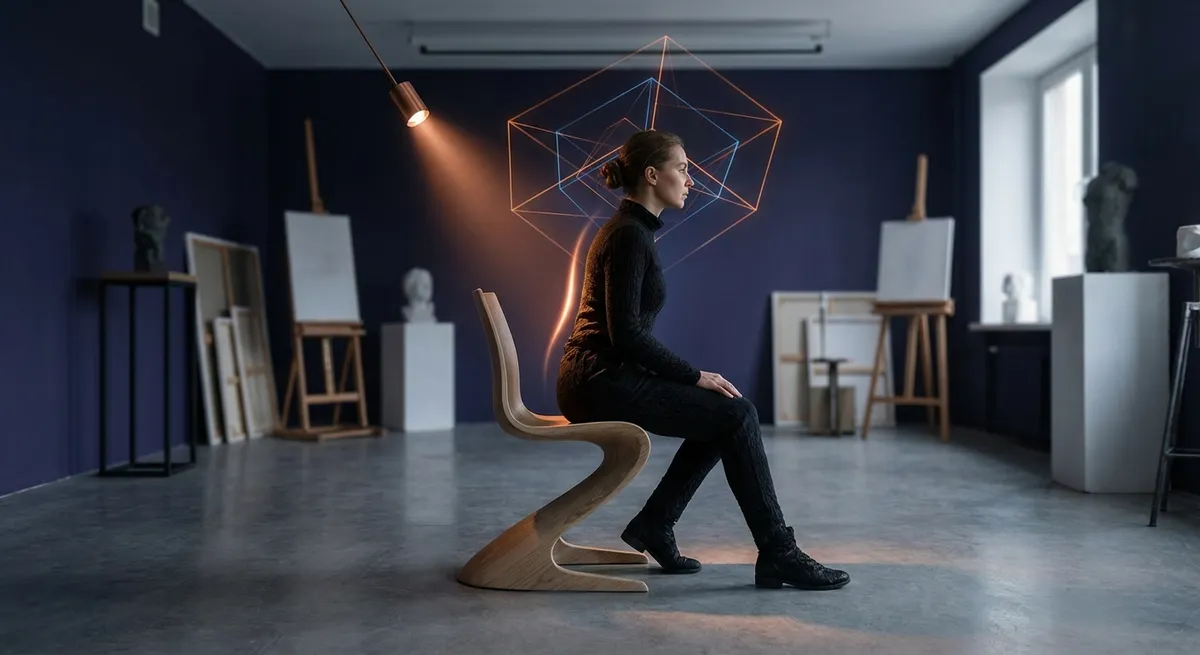
There is a quiet choreography to how the body meets a chair, a desk, a screen. For those who live with back sensitivity, these encounters are not casual—they are decisive. Ergonomics, when treated as a refined practice rather than a box‑checking exercise, becomes less about furniture and more about a cultivated relationship with one’s spine. This is where small adjustments, executed with intention, yield outsized dividends in comfort, function, and long‑term back health.
Below are five exclusive, detail‑driven insights for those who expect more than generic advice—and whose backs insist on it.
The Precision Posture Baseline: Calibrating, Not “Sitting Up Straight”
The familiar instruction to “sit up straight” is, in practice, almost useless. For a discerning back, what matters is a calibrated neutral posture—one that respects the natural curves of the spine rather than forcing it into rigidity.
Begin with your pelvis, not your shoulders. Sit so that your weight rests on the “sit bones” (ischial tuberosities), with the pelvis just slightly tipped forward. This subtle rotation allows the lumbar spine to adopt its natural, gentle inward curve instead of collapsing into a C‑shape. Your ribcage should feel stacked, not strained, over your hips, with the sternum lifted but not thrust forward.
The head then aligns as a natural extension of this stack: ears roughly over shoulders, chin neither tucked excessively nor tilted upward. Imagine a thread gently drawing the crown of your head toward the ceiling, elongating rather than stiffening the spine. This is not a pose to be “held” with muscular tension; rather, it’s a balanced configuration in which the skeletal system bears most of the load and the musculature stabilizes with minimal effort.
For those with existing back issues, this precision baseline can be transformative. It reduces uneven load on spinal discs, lowers fatigue in postural muscles, and provides a consistent reference point: you can feel when you drift, and gently return, instead of oscillating between slump and forced uprightness.
Micro‑Angles, Major Impact: Customizing Seat, Backrest, and Screen
Once posture is calibrated, micro‑angles become the language of true ergonomic refinement. Instead of following generic measurements, think in terms of ranges and personal tolerances.
The backrest angle, for example, is often most supportive when slightly reclined—around 100–110 degrees rather than a strict 90. This soft recline can reduce pressure on the lumbar discs and decrease the effort required from spinal extensors. Pair this with a lumbar contour that meets the natural inward curve of your lower back, not one that aggressively pushes it.
Seat pan depth should allow 2–3 fingers of space between the back of your knees and the edge of the chair. Too deep, and you are compelled to slump; too shallow, and your thighs are poorly supported, increasing pressure at the sit bones. Seat height should let your feet rest fully and evenly on the floor (or a footrest), with knees hovering near hip height or just below, which can help lower lumbar disc pressure.
Screen height and distance are equally decisive. The top of the screen should sit at or slightly below eye level, with the display about an arm’s length away. For those with neck or upper back tension, slightly lowering the monitor to encourage a gentle downward gaze—without bending the neck sharply—may be more sustainable. These marginal adjustments, once dialed in, reduce compensatory strain everywhere from the low back to the suboccipital muscles at the base of the skull.
Dynamic Support: Building a Workspace That Expects You to Move
Static ergonomics—perfect posture frozen in place—is an elegant blueprint sabotaged by reality. The human spine thrives on movement; discs are nourished by subtle shifts, muscles remain healthier when periodically loaded and unloaded. For anyone with back concerns, a “dynamic support” philosophy is critical.
Rather than aiming to stay perfectly aligned for hours, design your environment to invite movement. An adjustable sit‑stand desk can allow you to alternate positions in structured intervals—say, 25–40 minutes seated followed by 10–15 minutes standing. A supportive standing mat helps soften joint impact and reduces fatigue, especially in the lumbar region.
Within the seated configuration, movement can be deliberately small: periodically tilting the pelvis forward and back, gently shifting weight from one sit bone to the other, or leaning slightly into and out of the backrest. A high‑quality task chair with controlled, smooth recline can facilitate these micro‑movements without losing alignment.
You can even embed mobility triggers into your routine: placing frequently used items just far enough away that you must occasionally stand, walk a few steps, or rotate the trunk. Over a full workday, these nuanced shifts may matter as much as the base setup itself, especially for those whose backs quickly protest sustained stillness.
The Evening Reset: Unwinding the Structural Imprint of the Day
Many people focus exclusively on daytime ergonomics and then allow their evening habits to quietly undo that careful work. For a back that has worked hard simply to tolerate sitting, the hours after work are not an afterthought—they are an active recovery window.
One sophisticated strategy is to establish a brief “structural reset” ritual at day’s end. This might include lying on your back with knees bent and feet flat, allowing the spine to decompress gently against a firm, supportive surface. Some individuals benefit from the “90–90” position (hips and knees at 90 degrees, calves resting on a chair or ottoman), which can temporarily reduce lumbar load.
Thoughtful stretching, focused on hip flexors, hamstrings, and thoracic mobility, can alleviate the tightness that often drives compensatory lumbar strain. Even five to ten minutes of intentional movement—such as cat‑camel motions on hands and knees, or gentle supine rotations—can help the spine transition from compressed, seated patterns into a more neutral, restful state.
Equally important is evening seating. Deep, unsupportive sofas that encourage spinal collapse can undo an entire day of mindful positioning. Opt instead for chairs or sofas with firmer support, perhaps with a small lumbar cushion, and maintain a similar neutral alignment to your daytime posture—just with more relaxation, less effort, and more softness in the breath. This is where ergonomics begins to feel less clinical and more like a curated lifestyle choice.
Beyond Furniture: The Cognitive and Emotional Layer of Ergonomics
True ergonomic refinement recognizes that the spine does not exist in isolation from the mind. Stress, cognitive load, and emotional strain alter muscle tone, breathing patterns, and pain perception—often amplifying back symptoms despite immaculate physical setups.
For individuals managing chronic or recurrent back discomfort, integrating a cognitive‑emotional layer into ergonomic practice can be quietly powerful. Simple, structured breathing breaks—such as inhaling through the nose for four counts, exhaling for six to eight—can reduce sympathetic nervous system activation, soften paraspinal muscle tension, and improve body awareness. This, in turn, makes it easier to perceive early signs of strain and adjust posture before pain escalates.
Mindful “posture check‑ins” can be paired with existing digital prompts: each time a calendar alert or message arrives, briefly scan from pelvis to crown. Are you collapsed into one hip? Has your head drifted forward? Are you holding your breath? Gentle correction, rather than harsh self‑critique, reinforces the nervous system’s sense of safety.
Finally, reframing ergonomics from a narrative of fragility (“my back is weak”) to one of stewardship (“my back is valuable, and I care for it with precision”) can subtly influence behavior. When you regard your spine as an asset deserving of thoughtful design—much like a precision instrument—you are more likely to maintain the small, disciplined habits that prevent flare‑ups over the long term.
Conclusion
Sophisticated ergonomics is not about acquiring the most expensive chair or the tallest desk. It is about cultivating awareness of how your spine experiences the world—through angles, pressures, movements, and even moods—and then composing an environment that meets it with respect.
For those living with back issues, this level of attention is not indulgence; it is intelligent prevention. By calibrating posture rather than forcing it, refining micro‑angles, embracing dynamic movement, protecting the evening reset, and acknowledging the mind‑body dimension, ergonomics becomes less a set of rules and more a daily practice of quiet, meticulous care.
Sources
- [National Institute of Neurological Disorders and Stroke – Low Back Pain Fact Sheet](https://www.ninds.nih.gov/health-information/disorders/low-back-pain) – Overview of causes, risk factors, and management strategies for low back pain
- [Mayo Clinic – Office Ergonomics: Your How-To Guide](https://www.mayoclinic.org/healthy-lifestyle/adult-health/in-depth/office-ergonomics/art-20046169) – Practical guidance on chair, desk, and monitor setup for spine health
- [Occupational Safety and Health Administration (OSHA) – Computer Workstations eTool](https://www.osha.gov/etools/computer-workstations) – Detailed ergonomic recommendations for workstation design and posture
- [Harvard Health Publishing – How to Sit Correctly](https://www.health.harvard.edu/staying-healthy/how-to-sit-correctly) – Evidence‑informed advice on posture, movement, and back support while sitting
- [Cleveland Clinic – Stand Desks and Back Pain](https://health.clevelandclinic.org/are-standing-desks-better-for-your-back) – Discussion of sit‑stand workstations and their impact on back discomfort and overall ergonomics
Key Takeaway
The most important thing to remember from this article is that this information can change how you think about Ergonomics.



