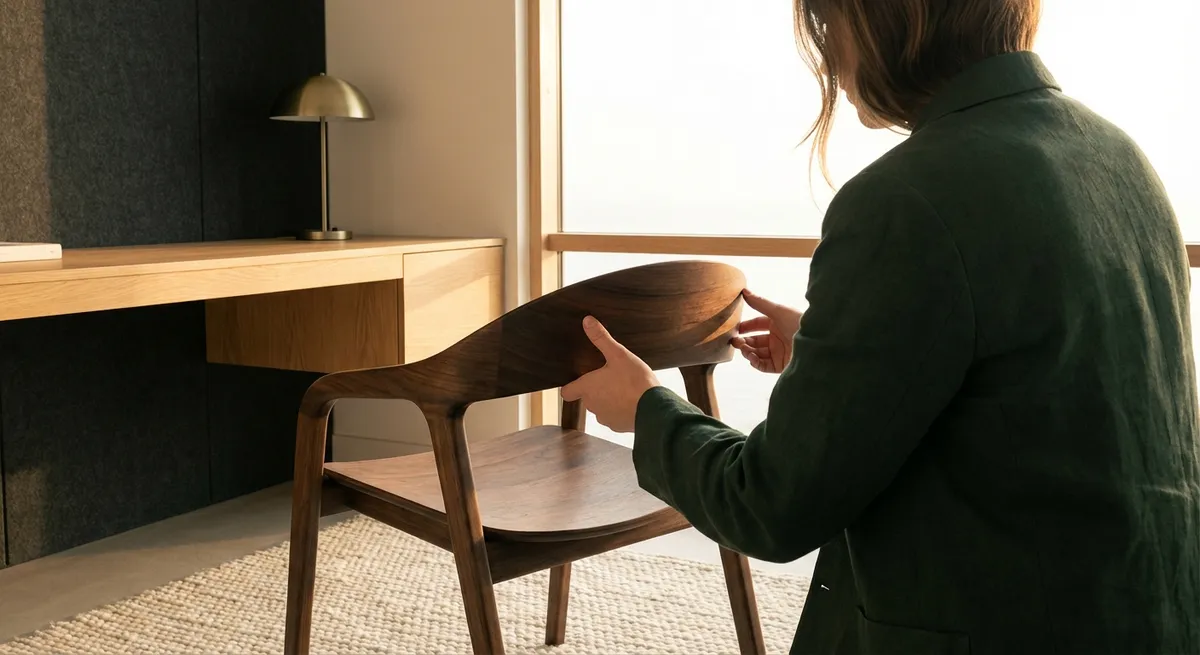
In an era where work often happens in pixels rather than on paper, the way we inhabit our environments has become a quiet but powerful determinant of spinal health. Ergonomics is no longer just about an adjustable chair—it is about cultivating a precise relationship between body, space, and task. For those already negotiating back discomfort, refinement matters: angles, textures, micro-movements, lighting, and even sound subtly shape how the spine endures each day. This is ergonomics as curation—thoughtful, deliberate, and deeply protective.
Beyond the Chair: Designing a Three-Dimensional Spine Environment
Many ergonomic conversations stall at the chair, but the spine experiences the entire room. The way your monitor meets your gaze, how your feet find the floor, the temperature of the air, the distance to often-used objects—all of these become daily influences on spinal load.
A truly considered ergonomic environment begins with vertical alignment: the monitor centered directly in front of you at or just below eye level, the keyboard drawing your elbows close to your sides at roughly 90 degrees, and your hips slightly above your knees to promote a gentle anterior pelvic tilt. But beyond geometry, the environment should guide behavior. A side table placed just within reach reduces twisting to grab files; a footrest invites subtle weight shifts; a well-positioned task light discourages craning toward the screen.
Think of your workspace as a three-dimensional garment for the spine—one that should fit precisely, move gracefully with you, and never ask your back to compensate for poor design.
Exclusive Insight #1: Micro-Posture Cycling, Not “Perfect Posture,” Protects the Back
The pursuit of “perfect posture” can paradoxically create more tension. A rigidly upright stance sustained for hours is simply another static load for the spine. What the back truly favors is variability—subtle, frequent, almost imperceptible shifts that distribute forces across tissues.
Micro-posture cycling is the practice of moving through a series of small, pre-planned postural variations over the course of the day. For example, within a single hour you might:
- Sit slightly more forward on the seat pan, then recline into the backrest.
- Alternate between crossing one leg, then both feet flat, then feet on a low footrest.
- Adjust lumbar support up or down a centimeter to change the contact point.
- Tilt the seat a few degrees and then return to neutral.
Each change is minor, but the cumulative effect is profound: muscles are not asked to hold a single pattern indefinitely, intervertebral discs experience changing load vectors, and circulation improves. Rather than fighting to “hold” one ideal alignment, you orchestrate a series of good-enough positions that keep the back engaged yet never overworked.
Exclusive Insight #2: The Tactile Intelligence of Surfaces Shapes Spinal Behavior
Spines respond not only to angles and support, but also to how materials feel. The micro-texture of your chair fabric, the hardness of your desk edge, the warmth of your armrests, and the density of your seat cushion all convey subtle instructions to your body.
Overly soft surfaces encourage sinking and slouching; excessively firm surfaces may provoke fidgeting or muscular bracing. Premium ergonomic refinement aims for calibrated responsiveness—materials that yield slightly, then support decisively. For back-sensitive individuals, consider:
- Seat cushioning with layered density: A softer top layer for comfort, supported by firmer underlying foam to prevent deep sagging.
- Desk edges with beveled or rounded profiles: Sharp, thin edges promote shoulder hunching and wrist extension; refined edge profiles allow the elbows to rest gently without provoking upper back tension.
- Armrests with slight give: Hard plastic encourages shoulders to lift; lightly padded, height-adjustable armrests invite the shoulders to drop and the neck to lengthen.
When surfaces are thoughtfully chosen, the spine receives a continuous stream of cues that invite elongation, relaxation, and balance rather than compression and strain.
Exclusive Insight #3: Visual Ergonomics as a Hidden Ally for Neck and Upper Back
Screen work is not just a visual task; it is a postural contract between eyes, neck, and spine. When visual demands are poorly managed, the neck compensates: the head inches forward, the shoulders creep up, and the upper back tightens to stabilize the gaze.
Visual ergonomics begins with screen placement, but extends to font size, brightness, and ambient lighting. If text is too small, contrast too low, or glare persistent, you instinctively move your head closer to the screen and sustain that posture. This places disproportionate stress on the cervical spine and upper thoracic region.
Consider refining your visual setup with the same care you might give to a well-designed watch face:
- Increase font size and line spacing to allow comfortable reading from an arm’s length distance.
- Match screen brightness to ambient light to avoid squinting or leaning closer.
- Place the screen directly in front of you—not slightly off to one side—to avoid subtle, chronic rotation of the spine.
- If using multiple monitors, designate a primary screen and center your body to it, using the secondary screen as a peripheral tool, not the main stage.
By elevating visual ergonomics to an intentional practice, you subtly safeguard the neck, shoulders, and upper back from the cumulative toll of forward-head posture.
Exclusive Insight #4: Curated Movement Interruptions as Part of the Workspace Design
The most luxurious ergonomic feature is not a chair or desk at all—it is the permission, and the prompt, to move. For backs already sensitized by pain, movement must be gentle, structured, and seamlessly integrated into the workday.
Curated movement interruptions differ from generic “stand up every 30 minutes” advice. They are tailored micro-practices embedded into the physical and digital environment:
- Object-based prompts: A carafe of water placed just out of reach so that refilling your glass requires standing. A printer located a short walk away, not beside the desk.
- Spatial choreography: A standing workstation placed adjacent to the seated workstation, encouraging you to alternate for specific task types—email standing, deep focus work seated, calls walking.
- Pre-set movement sequences: Two or three precise, low-amplitude movements you perform each break—such as gentle thoracic extensions with hands resting on the desk, controlled pelvic tilts in the chair, or slow shoulder rolls with exhalation.
These movement interludes should feel like deliberate refreshment, not disruptive exercise. The spine is invited to reorient, decompress, and reset—far before discomfort becomes acute.
Exclusive Insight #5: Nighttime Ergonomics: The Forgotten Third of Back Care
Even the most meticulously arranged workstation cannot compensate for a misaligned night environment. Sleep is when discs rehydrate, muscles recover, and the nervous system recalibrates. Poor nighttime ergonomics can silently undo the day’s careful alignment.
Thoughtful back care extends into the bedroom with the same design discipline:
- Pillow height and material chosen for spinal continuity, not just softness—side sleepers often require a higher pillow to keep the neck in line with the spine, while back sleepers may do better with moderate loft.
- Mattress firmness calibrated to your body weight and sleeping position: heavier bodies and back sleepers tend to benefit from medium-firm surfaces that prevent excessive sagging, while some side sleepers may require targeted pressure relief at shoulders and hips.
- Support accessories used sparingly but precisely: A slim pillow between the knees for side sleepers or beneath the knees for back sleepers can relieve lumbar stress without overloading other joints.
By considering ergonomics as a 24-hour continuum rather than an office-bound concept, you offer your spine something rare: consistency. The back is no longer jolted between supportive and unsupportive environments; instead, it inhabits a coherent, carefully curated world.
Conclusion
Refined ergonomics is not about accumulating more products; it is about making more intelligent, nuanced decisions about how the spine meets the world. For those living with back issues, details that once felt optional—monitor height, surface texture, lighting, choreographed movement, and sleep alignment—become powerful instruments of relief and resilience.
When you treat every contact point as a conversation with your spine, your environment evolves from something you endure into something that quietly, consistently, and elegantly supports you. This is ergonomics as stewardship: deliberate, dignified, and deeply protective of the back that carries you through your life.
Sources
- [NIOSH – Simple Solutions: Ergonomics for Office Workers](https://www.cdc.gov/niosh/docs/2004-164/default.html) - U.S. CDC/NIOSH guidance on workstation setup, posture, and injury prevention for office environments
- [Mayo Clinic – Office Ergonomics: Your How-To Guide](https://www.mayoclinic.org/healthy-lifestyle/adult-health/in-depth/office-ergonomics/art-20046169) - Practical, evidence-informed recommendations on chair, desk, and computer placement for spinal health
- [Harvard Health Publishing – The Power of Good Posture](https://www.health.harvard.edu/staying-healthy/the-power-of-good-posture) - Discussion of posture variability, muscle balance, and their impact on back and neck discomfort
- [Cleveland Clinic – How to Sleep to Help Your Back](https://health.clevelandclinic.org/how-to-sleep-with-lower-back-pain) - Medical advice on mattress firmness, pillow positioning, and sleeping postures for back pain
- [Occupational Safety and Health Administration (OSHA) – Computer Workstations eTool](https://www.osha.gov/etools/computer-workstations) - Detailed federal guidelines on ergonomic design for computer-based work, including monitor, keyboard, and chair adjustments
Key Takeaway
The most important thing to remember from this article is that this information can change how you think about Ergonomics.



