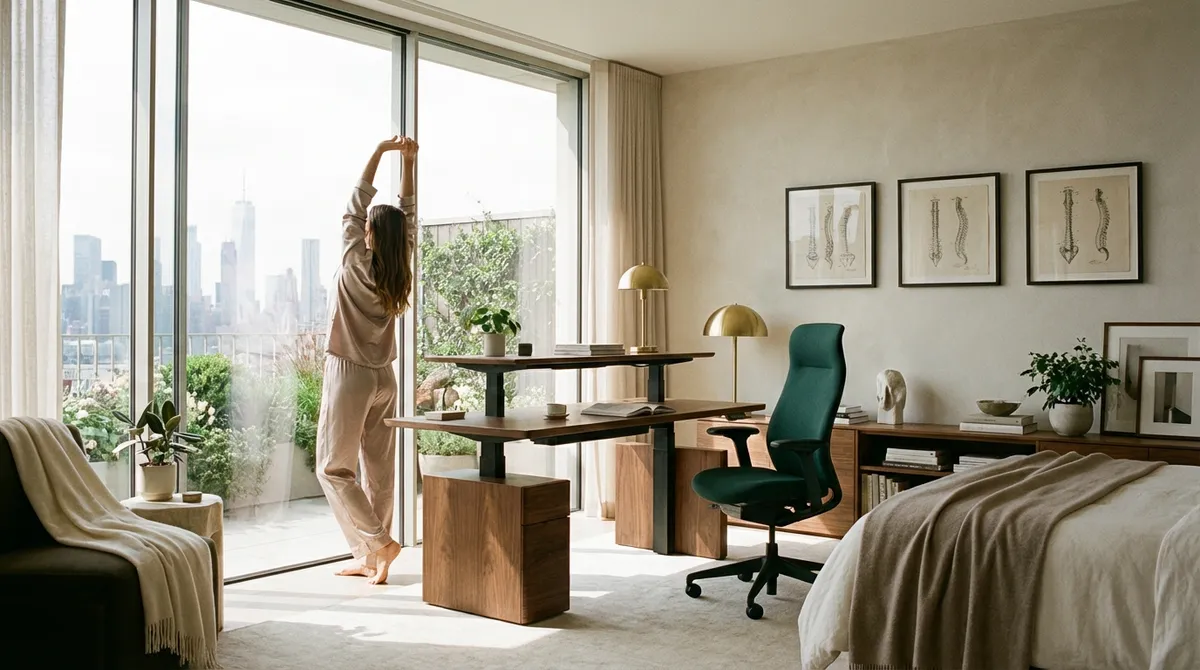
Back comfort, when done well, is almost invisible. It’s not the chair brand or the latest gadget—it’s the quiet confidence of a body supported by thoughtful choices throughout the day. For those who live with back issues, ergonomics is not a trend; it’s a form of refined self-preservation. This is not about perfectly straight posture at all times, but about orchestrating your environment so your spine is quietly, consistently respected.
Below are five exclusive, often overlooked insights that transform ergonomics from a checklist into a cultivated practice.
Insight 1: Your “Neutral Spine” Is a Moving Target, Not a Fixed Position
Many ergonomic guides talk about a neutral spine as if it were a single, rigid posture to maintain all day. In reality, the spine prefers variation. A static “perfect” posture sustained for hours can be as punishing as a visibly poor one.
A more sophisticated approach treats neutral alignment as a range, not a point. Your goal is to hover within that range—slight variations in hip angle, subtle shifts in shoulder position, gentle reclines and micro-adjustments of head tilt—rather than locking into one configuration. Properly adjusted lumbar support should invite these small shifts, not pin you in place. Throughout the day, alternate between a lightly upright posture (hips slightly higher than knees, shoulders relaxed over the pelvis) and a mild recline of 10–20 degrees, which can reduce load on spinal discs. Think of this as posture “drifting,” not posture “holding.”
A premium ergonomic setup, therefore, is one that makes movement effortless: breathable seat fabric that doesn’t cling, armrests that allow elbows to glide closer or farther from the torso, and a workstation layout that encourages you to reach, swivel, and pivot rather than freeze in one perfect pose.
Insight 2: The 3D Screen Rule: Depth Is as Critical as Height
Most people know to raise a monitor to eye level. Far fewer consider depth—how far the screen is from the eyes—as a decisive factor in back comfort. When the screen is too close or too far, your body compensates in ways that quietly overburden the neck and upper back.
An elegant ergonomics standard is the “3D Screen Rule”: height, distance, and direction must all harmonize.
- Height – Top of the screen at or just below eye level, so the gaze rests slightly downward.
- Distance – Typically an arm’s length away (about 50–70 cm), adjusted so you can read without leaning or squinting.
- Direction – Directly in front of you, so your head does not need to rotate or tilt for prolonged periods.
For many with back issues, the real refinement lies in micro-optimizing the distance: if you catch yourself repeatedly “turtling” forward during intense work, your screen is likely too far for your eyes, not your posture. Adjusting zoom level, screen brightness, and contrast can prevent subtle forward creep of the head and neck—one of the most understated drivers of upper-back tension.
Insight 3: The Grounded Spine: Foot Position as a Hidden Back Strategy
Back care often starts at eye level—screens, neck, shoulders—while the foundation literally under the desk is neglected. Yet your feet determine the stability of your pelvis, and your pelvis is the base of your spine’s alignment.
A spine-conscious environment ensures three things:
- Full, flat contact: Both feet rest fully on a stable surface—no habitual tiptoeing on chair wheels, no dangling, no half-perched toes on the chair base.
- Supported height: If your chair height is correct for your desk but your feet do not comfortably touch the floor, a footrest (even a subtle, aesthetically pleasing one) is not an accessory—it is a necessity.
- Symmetry, not stiffness: Aim for generally symmetrical foot placement, but allow changes: occasionally one foot slightly forward, then the other, brief external and internal rotations. Again, variation within balance.
For those with lower back pain, particularly in the sacroiliac or lumbar regions, anchoring the feet well can reduce the micro-instability that builds up after hours of “hovering” or crossing legs. A refined workstation acknowledges that back comfort is often decided by what happens at the floor level.
Insight 4: Task-Based Postures: Matching Your Spine to Your Work, Not the Other Way Around
One posture cannot serve every task with equal grace. Reading dense text, writing by hand, analyzing complex data, or video conferencing each place different demands on your eyes, hands, and spine. A sophisticated ergonomic strategy is not one ideal setup—it is a small, intentional menu of setups, each matched to a type of work.
For example:
- Deep focus reading or writing: A slightly reclined chair, lower keyboard height, and a centered document holder at the same height as the screen minimize neck flexion and visual strain.
- Precision tasks (design, coding, data): A more upright posture with closer keyboard and mouse, elbows close to the torso, and a mouse that fits the hand comfortably rather than forcing wide lateral wrist deviation.
- Meetings and calls: A more open, relaxed sitting or even a standing position, with the screen at a comfortable conversational height, encourages natural movement and reduces tension.
If you live with back issues, formalize these task-based postures rather than improvising. Pre-adjust your chair settings to two or three “presets” you can return to quickly, or mark your ideal desk and screen positions with subtle visual cues. Over time, this curated choreography of postures becomes a protective ritual for your spine rather than a reactive scramble when pain appears.
Insight 5: Micro-Intervals of Recovery: The 45-Second Discipline
The familiar advice to “take breaks” is too vague to be truly protective. The spine does not need dramatic interruptions every few hours; it thrives on discreet, frequent micro-intervals where the load is slightly changed and circulation is refreshed.
A premium approach values precision over drama: 30–60 seconds of intentional change every 25–40 minutes. Not long walks, not elaborate stretches—simply:
- Standing and gently shifting weight from one leg to the other
- Lightly rolling shoulders and opening the chest
- Soft spinal decompression: reach your arms overhead or rest hands on the back of the chair and gently open the front of the hips
- One or two slow, controlled pelvic tilts while sitting or standing
For someone already managing back issues, these micro-intervals can distinguish between a tolerable day and a flare-up. They are short enough to be integrated into demanding schedules and quiet enough to feel appropriate in refined, professional environments. Consider pairing them with natural “triggers”: each email sent, each meeting concluded, or each time you complete a focused work block.
Over time, these 45-second disciplines become part of the texture of your day—a subtle, consistent luxury you afford your spine.
Conclusion
Ergonomics, at its highest level, is not about obsessing over posture or acquiring the most elaborate chair. It is about cultivating a life where your spine is quietly prioritized through thoughtful details: a moving neutral spine, a precisely placed screen, grounded feet, task-specific postures, and disciplined micro-intervals of recovery.
For those who already navigate back pain, these refinements are not indulgences; they are essential elements of a well-designed day. When your environment is curated with this degree of care, back support stops being a constant negotiation—and becomes an understated, ever-present assurance.
Sources
- National Institute for Occupational Safety and Health (NIOSH): Ergonomics and Musculoskeletal Disorders – Overview of ergonomic principles and their role in reducing musculoskeletal strain
- Mayo Clinic – Office Ergonomics: Your How-To Guide – Practical guidance on optimizing workstation setup for spine and joint comfort
- Occupational Safety and Health Administration (OSHA): Computer Workstations eTool – Detailed recommendations for monitor, chair, and input device positioning
- Harvard Health Publishing – Is Sitting Too Much Bad for Your Health? – Discussion of prolonged sitting, movement breaks, and their impact on musculoskeletal health
- Cleveland Clinic – Back Pain: Prevention and Ergonomics – Evidence-informed strategies for preventing and managing back pain through ergonomic adjustments
Key Takeaway
The most important thing to remember from this article is that this information can change how you think about Ergonomics.



