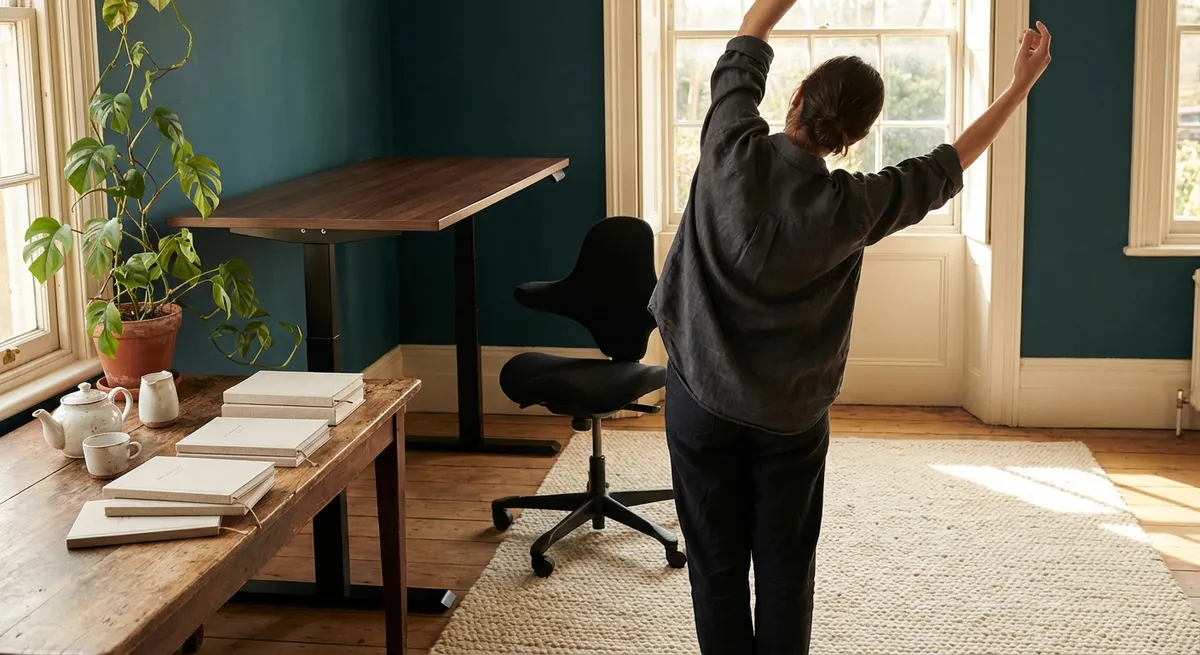
Comfort is rarely an accident. For those who live with back sensitivity, the difference between a manageable day and an exhausting one is often hidden in millimeters of chair height, angles of light, and the quiet discipline of how we sit, reach, and move. Modern ergonomics, at its most refined, is less about buying more equipment and more about cultivating an environment that treats your spine as something to be protected, not tolerated.
This is an invitation to re‑consider your workspace as a place of deliberate support—where every detail is curated to reduce strain, preserve focus, and offer your back the kind of care that feels almost invisible, yet unmistakably effective.
Ergonomics as an Invisible Luxury
True ergonomic design is a form of invisible luxury: it does its work without demanding attention. For people with back issues, that luxury is not opulence—it is access to a day that does not end in pain.
An ergonomically attuned environment aligns three elements: your body, your tasks, and your tools. The aim is not a perfect posture frozen in time, but a range of supported positions that keep your spine neutral, your joints relaxed, and your muscles quietly engaged instead of constantly bracing.
The visual impression of such a setup is understated. There are no dramatic gestures—no extreme recline, no contorted reaching, no perching on the edge of a chair in silent tension. Instead, the shoulders drop a little. The breathing becomes less guarded. The back is no longer forced to negotiate with a desk that was never designed for it. That sense of quiet sufficiency is, in its way, a premium experience.
Insight 1: The “Reach Envelope” That Protects Your Spine
Most discussions of ergonomics fixate on chairs and screens, but for those with back pain, the true stressor is often the repeated micro‑reaching that happens hundreds of times a day.
Your primary “reach envelope” is the comfortable arc your hands can travel while your elbows stay close to your body and your spine remains still. Items inside this zone ask almost nothing of your back. Items beyond it ask your spine to flex, twist, or lean—movements that, over a workday, accumulate into fatigue and flare‑ups.
For a refined setup, treat your immediate desk space as if it were a carefully arranged tray:
- Frequently used items (keyboard, mouse, notebook, phone) belong in the relaxed reach zone, where your elbows stay near your sides.
- Less frequent items (reference books, secondary devices, documents) may sit in a secondary arc that requires slight arm extension but no spinal bending.
- Anything that demands a lean, twist, or repeated stretch—such as a printer low to the floor, a file box behind you, or a frequently accessed drawer—should be reconsidered or relocated.
This is not simply about convenience. It is about preserving your spine from repeated, low‑grade strain masquerading as “just reaching for something.”
Insight 2: Micro‑Angles That Matter More Than Expensive Equipment
People often assume that better ergonomics means buying a top‑tier chair or sit‑stand desk. For a back that is already sensitive, the more decisive factor is often micro‑adjustment—small changes of a few degrees or centimeters that transform how your spine bears load.
Consider these subtle yet powerful refinements:
- Seat height: When your feet rest fully on the floor and your knees are close to hip level (or slightly below), the pelvis can settle in a neutral position, reducing pressure on lumbar discs.
- Backrest angle: A slight recline—around 100–110 degrees rather than a rigid 90—can reduce spinal disc pressure while still allowing you to work close to your desk.
- Monitor elevation: Raising the top of your screen to about eye level (or just below) prevents the slow forward droop of the head that intensifies neck and upper‑back strain.
- Keyboard tilt: A flat or slightly negative tilt (wrists in a neutral line with forearms) reduces shoulder and upper‑back tension often misinterpreted as “mysterious” mid‑back pain.
None of this requires a showroom office. A folded towel, a stack of sturdy books under the monitor, or a small footrest can all serve as elegant, discreet interventions. The luxury is in the precision, not the price.
Insight 3: The Posture Portfolio – Curating Supported Variations
For those with back issues, the most dangerous posture is not a “bad” one; it is any single posture, held relentlessly. Even textbook‑perfect alignment becomes punishing when it is static.
Instead of chasing one ideal, think in terms of a posture portfolio—a curated set of supported positions you rotate through during the day:
- A slightly reclined, fully supported sitting posture for focused screen work.
- A more open, leaned‑back position for reading or calls, using the chair’s backrest fully.
- A forward‑perched, well‑supported pose (with lumbar support engaged and feet firmly grounded) for brief, intense tasks such as handwriting or sketching.
- A standing stance at a properly adjusted surface, with weight gently shifted between legs and one foot occasionally resting on a small support.
Each position is intentionally temporary, not a new prison. The refinement lies in building in transitions—changing position every 20–40 minutes, even subtly. For a sensitive spine, this portfolio approach trades the rigidity of “perfect posture” for a dynamic equilibrium that respects how the body actually works.
Insight 4: Lighting and Visual Ergonomics as Quiet Back Protection
It is easy to overlook the way light and visual strain quietly shape your posture. Poor lighting and glare draw your head toward the screen or document, rounding the upper back and asking the neck to crane forward. Over time, this visual effort funnels directly into spinal fatigue.
Thoughtful visual ergonomics can be surprisingly protective:
- Balanced ambient lighting reduces harsh contrast, so you are not leaning in to decipher text.
- A well‑positioned task light directed onto paper documents keeps you from hunching over them, especially during detailed work.
- Minimizing screen glare—by adjusting blinds, repositioning the monitor, or using a matte filter—allows the head to remain upright instead of seeking angles of visibility.
- Text scaling and contrast adjustments on your devices can prevent the subtle forward creep of your head toward the screen.
For the back‑sensitive individual, these refinements are not cosmetic. They transform the face‑and‑neck posture, which in turn governs the upper spine’s alignment. Visual ease becomes spinal ease.
Insight 5: Ritualized Pauses as Structural Maintenance, Not Indulgence
In high‑pressure environments, breaks are often framed as indulgences. For a vulnerable spine, well‑timed pauses are structural maintenance—no different than oiling a finely tuned machine.
A sophisticated ergonomic routine incorporates brief, ritualized interludes that prevent stiffness before it arrives:
- A 30–60 second standing reset every 30–40 minutes, simply to let the spine decompress and the hips extend.
- Gentle, non‑dramatic movements: shoulder rolls, slow neck rotations within a pain‑free range, or a quiet arch‑and‑relax of the lower back while standing.
- A midday walk, even for a few minutes, to restore natural spinal motion that static work suppresses.
- A deliberate “end‑of‑day” unwinding ritual, such as lying on your back with knees bent and feet on the floor, allowing the spine to settle from compression.
These pauses are not grand gestures. They are discreet, defensible acts of back conservation that, cumulatively, can mean the difference between ending the day functional or depleted. For those who live with back issues, this is not self‑indulgence; it is responsible stewardship.
Conclusion
Ergonomics, at its highest expression, is neither gadget‑obsessed nor performative. It is a quiet, thoughtful discipline that treats your spine as a long‑term asset—worthy of protection, precision, and respect.
For individuals managing back pain, this is more than comfort; it is a way to reclaim control over how each day feels. By refining your reach, honoring micro‑angles, diversifying your posture, curating visual ease, and ritualizing pauses, you create a workspace that does not simply accommodate your back, but actively supports it.
The result is not dramatic. It is calmer afternoons, fewer guarded movements, and a spine that is no longer constantly negotiating with the environment around it. That calm, sustained ease is the most understated luxury of all.
Sources
- Mayo Clinic – Office Ergonomics: Your How‑To Guide – Practical guidance on workstation setup, chair height, monitor placement, and posture.
- NIOSH (CDC) – Computer Workstations eTool – Evidence‑based recommendations for reducing musculoskeletal strain in office environments.
- Occupational Safety and Health Administration (OSHA) – Computer Workstations – Detailed breakdown of ergonomic considerations for seating, keyboards, monitors, and work practices.
- Harvard Health Publishing – Are You Sitting Comfortably? – Discussion of posture, spinal load, and strategies to reduce back pain during prolonged sitting.
- Cleveland Clinic – Ergonomics and Back Pain – Overview of how ergonomic adjustments can help prevent or reduce back pain.
Key Takeaway
The most important thing to remember from this article is that this information can change how you think about Ergonomics.



