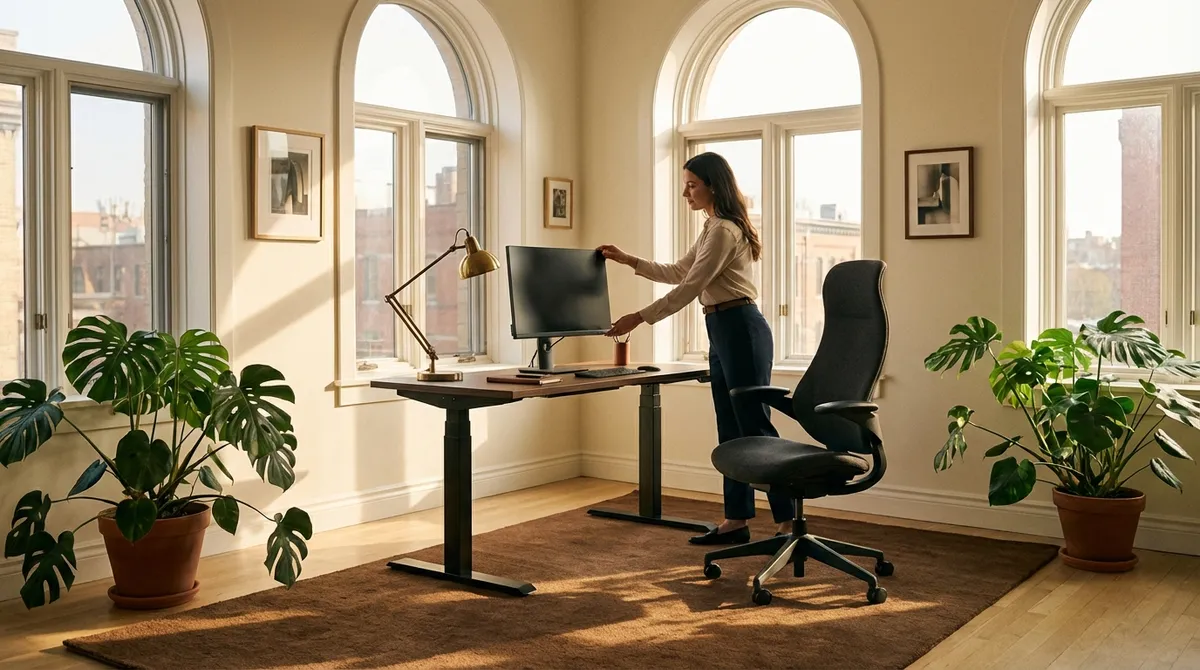
Back pain has a way of quietly editing your life. It shapes what you say yes to, how long you sit at dinner, the way you work, even the mood you bring into a room. Ergonomics, when approached thoughtfully, is less about gadgets and more about curating an environment where your spine is treated with the same respect you reserve for your time, your attention, and your energy. This is not the realm of quick fixes or trend-driven chairs; it is a quiet discipline of alignment, subtle adjustments, and considered choices that accumulate into lasting comfort.
Below are five exclusive, nuanced insights designed for those who see back care not as a chore, but as an elevated daily standard.
1. The “Micro-Posture” Standard: Refining the 5° Details
Most ergonomic advice stops at 90-degree angles and neutral spines. For a back that has already protested—herniated discs, chronic stiffness, postural fatigue—those broad strokes are not enough. Micro-posture is the art of refining the last 5–10 degrees of how you sit, stand, and reach.
Instead of a fixed “perfect” posture, think in terms of a small, curated range: a slight recline of 100–110° at the hip, a gentle chin tuck rather than a rigidly “straight” neck, elbows just under shoulder height instead of exactly level. These details matter: even minor forward head shift or subtle lumbar collapse can increase spinal loading significantly over a long workday. Micro-posture also means deliberately under-reaching; if you must lean or stretch to see, type, or click, your setup is asking too much of your spine. Refine until every frequently used item is accessible with your elbows resting comfortably by your sides, and your eyes find the screen without your neck “helping.”
2. The Visual-Spinal Axis: Designing for Your Eyes First
Most people design their desk around their keyboard, but your spine will follow your eyes far more faithfully than your fingers. The body instinctively orients to what it needs to see clearly. When the visual setup is off, you will crane, lean, squint, or rotate—and your back will quietly absorb the cost.
Begin with distance and height. Position your primary screen roughly an arm’s length away; then adjust so the top of the visible screen is at or slightly below eye level, allowing a soft downward gaze of about 10–20°. This angle naturally relaxes the neck and upper back. If you multitask across devices, break the habit of “screen scattering.” Designate a primary focal screen directly in front of you; secondary screens should be close and at nearly the same height, to avoid constant neck twisting. Luxurious ergonomics also includes visual clarity: appropriate font size, sufficient contrast, and lighting that does not force you to lean forward. If your back tightens by mid-morning, your eyes may be quietly dictating a posture your spine cannot afford.
3. The Elegant Load Path: Let Surfaces, Not Muscles, Carry You
An intelligently designed workspace allows surfaces—not your muscles—to bear the bulk of your upper body’s weight. In refined ergonomics, every surface you interact with is invited to participate in the work of support.
First, the chair: the lumbar area should meet the natural curve of your lower back, not push it aggressively, and your weight should rest more in the chair’s backrest than in your hip flexors or low-back muscles. Next, the armrests or desk edge: your forearms should be lightly supported, so the trapezius muscles in your upper back are not responsible for suspending your arms all day. Finally, the feet: if they do not rest flat and firmly on the floor, or a stable footrest, your lower back will compensate, often by tilting your pelvis in a way that strains the lumbar spine. Think of the “load path” as a graceful vertical sequence—feet, seat, backrest, and arm support—carrying you with minimal muscular effort. When that sequence is correct, your back feels less like it is holding you together, and more like it is simply along for the ride.
4. The Ritual of Tiny Interruptions: Precision Breaks for a Demanding Spine
For those with back issues, the idea of “take a break every hour” is too vague to be useful. Precision breaks—short, specific, and repeatable—are far more effective and sustainable. Rather than heroic 30-minute stretching sessions that never happen, cultivate a ritual of 30–90 second interruptions, meticulously designed around your spine’s weak points.
If your lower back stiffens, a brief standing interval with gentle pelvic tilts or slow weight shifts from one leg to the other can restore circulation and reduce disc pressure. If your upper back and neck bear the brunt, a micro-routine of retracting your shoulder blades, gently rolling your shoulders, and lengthening your neck away from your collarbones can undo the creeping forward slump of desk work. Time these interruptions with intention: at the end of each meeting, after sending a major email, or when you reach for your phone. Precision breaks are not dramatic; they are civilized, discreet, and designed to blend into your existing rhythm—yet they can substantially reduce end-of-day pain and stiffness.
5. The Customized Envelope of Comfort: Temperature, Texture, and Sound
Ergonomics is often reduced to angles and hardware, but true back comfort lives in an “envelope” of sensory conditions. For a sensitive spine, temperature, texture, and sound can be surprisingly influential.
Cool, slightly drier environments tend to encourage subtle muscular tension; overly warm rooms can invite slouching lethargy. Find the ambient temperature at which your muscles feel quietly neutral, not braced or heavy. Texture matters as well: an overly firm chair seat can encourage fidgeting and asymmetrical sitting, while an excessively soft one lets the pelvis sink and rotate. Aim for a stable, gently contoured surface that allows even pressure distribution through the sit bones. Even sound plays a role; chronic low-level noise can sustain a mild stress response, increasing muscle tone in the neck and back. Curating a more intentional soundscape—noise reduction, soft background sound, or high-quality headphones—can reduce the unconscious bracing that many people carry through their workday. When your sensory environment is tuned, your spine does not have to negotiate subtle irritations hour after hour.
Conclusion
Elevated ergonomics is not an accessory; it is an expression of how you value your body’s ability to show up fully for the life you’ve built. For a back that has already endured too much compromise, the difference lies in the details: those final degrees of posture, the priority given to your visual field, the load transferred to well-chosen surfaces, the discretion of targeted micro-breaks, and the quiet refinement of your sensory environment.
When these elements are intentionally composed, your workday no longer feels like something your spine must survive. Instead, your space becomes an ally—one that supports you with the unassuming, consistent elegance that true back care deserves.
Sources
- [National Institute of Neurological Disorders and Stroke – Low Back Pain Fact Sheet](https://www.ninds.nih.gov/health-information/disorders/low-back-pain) – Overview of causes, risk factors, and management of low back pain
- [Occupational Safety and Health Administration (OSHA) – Computer Workstations eTool](https://www.osha.gov/etools/computer-workstations) – Detailed guidance on ergonomic workstation setup and posture considerations
- [Mayo Clinic – Office Ergonomics: Your How-To Guide](https://www.mayoclinic.org/healthy-lifestyle/adult-health/in-depth/office-ergonomics/art-20046169) – Practical recommendations for chairs, desk height, and monitor positioning
- [Harvard School of Public Health – Sedentary Behavior and Health](https://www.hsph.harvard.edu/nutritionsource/sedentary-behavior-and-health/) – Evidence on prolonged sitting, movement breaks, and health implications
- [National Institute for Occupational Safety and Health (NIOSH) – Musculoskeletal Health Program](https://www.cdc.gov/niosh/programs/msd/default.html) – Research and resources on work-related musculoskeletal disorders and ergonomic strategies
Key Takeaway
The most important thing to remember from this article is that this information can change how you think about Ergonomics.



