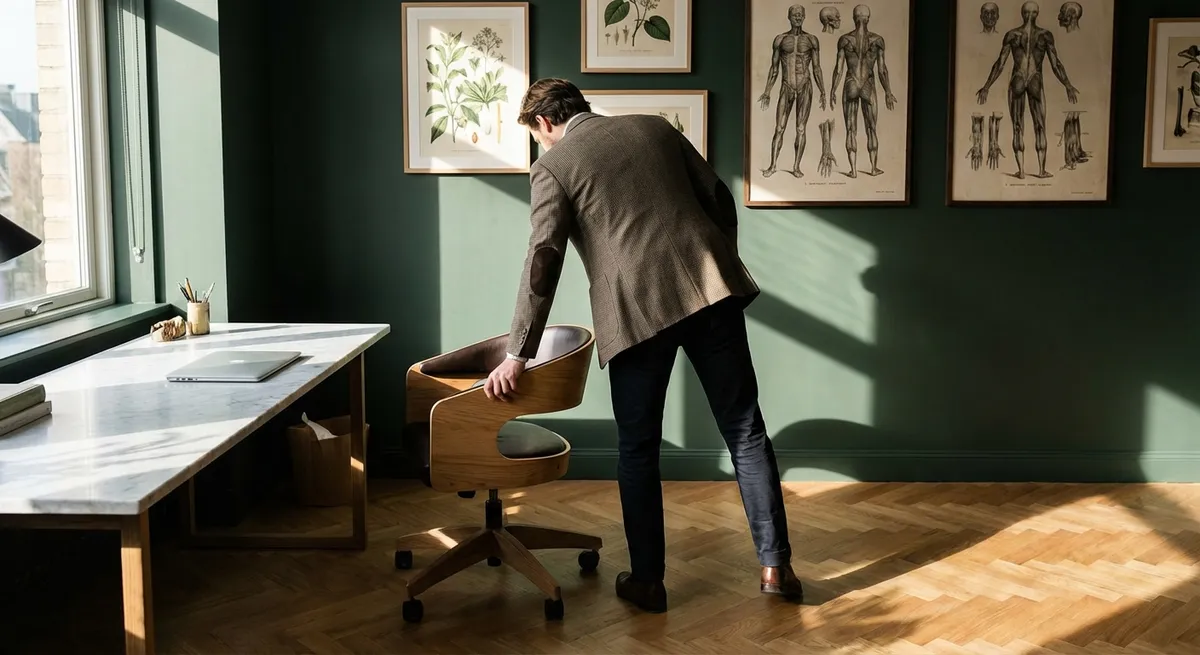
Back pain is rarely just about “bad posture.” It is more often the consequence of a thousand quiet design decisions—about chairs, screens, lighting, habits, and pace—that accumulate over months and years. For those who expect more from their environment than mere functionality, ergonomics becomes less a technical discipline and more a form of quiet curation: of space, of attention, and of the spine itself.
This article explores a more considered approach to ergonomics—beyond basic checklists and generic posture tips. These five insights are designed for people who live demanding, high-focus lives and want their environment to support a back that feels precise, composed, and reliably comfortable.
Ergonomics as Spatial Tailoring, Not Furniture Shopping
Most ergonomic advice fixates on the chair. Yet your back does not experience a chair in isolation; it experiences a spatial “ensemble”: desk height, monitor distance, keyboard angle, lighting, and even the acoustic feel of the room.
Think of ergonomics as tailoring rather than purchasing. The goal is not to own ergonomic products, but to make fine adjustments until your workspace fits you with the same precision as a bespoke suit. Seat height should allow your feet to rest fully on the floor, with knees at or slightly below hip level, reducing hip and lumbar strain. The backrest should support the natural S-curve of the spine, particularly at the lumbar region, without forcing you rigidly upright.
Your desk and arm position should allow elbows to bend around 90 degrees, with forearms floating comfortably over the input devices instead of reaching upward or downward. The monitor’s top line should be around eye level, placed roughly an arm’s length away, so the neck is neither craning forward nor pitched down. Subtle adjustments—an inch higher here, a slight backward tilt there—can be the difference between chronic low-grade fatigue and hours of effortless, sustained concentration.
Approach your workspace once a quarter as you would a high-end fitting: reassess, refine, and re-balance. Your body changes. Your workload changes. Your environment should keep pace.
The Micro-Movement Philosophy: Stillness Without Stiffness
The modern premium workspace is often built for visual sophistication—clean lines, minimal clutter, serene stillness. Your spine, however, thrives on subtle restlessness. A motionless posture, even if “perfect,” becomes a stressor when held for too long.
Micro-movement is the art of moving so discretely that no one would describe you as fidgeting, yet your spine is never forced into prolonged stillness. This might look like:
- A gentle pelvic rock every few minutes to alternate the pressure on your sitting bones.
- A small shoulder roll between emails, barely visible yet deeply relieving.
- A deliberate, slow neck rotation during a loading screen or conference call.
- Shifting one foot slightly forward, then the other, under the desk.
These refined, near-invisible movements maintain blood flow to spinal structures, nourish intervertebral discs, and prevent the subtle stiffness that accumulates into late-afternoon back ache. They also help break the nervous system’s habit of bracing—those unconscious muscular “micro-clenches” that often accompany intense work.
Rather than scheduling rigid “stretch breaks” that you inevitably skip, embed micro-movements into transitions you already make: every new tab opened, every call joined, every file saved. Over a working day, these tiny interventions form a quiet choreography that keeps your back quietly alive instead of stoically locked.
Light, Screens, and the Hidden Posture of Concentration
Back pain is often blamed on chairs and desks, but vision quietly leads the spine. When the eyes strain, the head inches forward; when contrast is poor, the chin lifts or tilts; when glare is present, the body shifts subtly to avoid it. Over time, these visual compensations engrave themselves into neck and upper-back tension.
A refined ergonomic environment treats optics as spine care:
- Monitor brightness and contrast should match the ambient light—too bright or too dim can draw you closer to the screen.
- Glare management (curtains, blinds, or anti-glare filters) reduces the tendency to tilt the head or twist the torso to see clearly.
- Text scaling—increasing font sizes slightly on frequently used platforms—prevents habitual forward head posture.
- Multiple displays should be arranged so your primary screen sits directly in front, not off to one side. Secondary screens belong at a slight angle, not forcing persistent neck rotation.
Even your lighting temperature matters. Harsh, cold light can heighten a sense of vigilance and tension; overly warm, dim light can make you lean forward in pursuit of clarity. Aim for balanced, diffuse, indirect lighting that allows your neck and eyes to relax into their work without chasing visibility.
When you refine screen ergonomics, you are not merely saving your vision. You are preserving the elegant verticality of your cervical spine and the dignity of your head’s position over your shoulders.
The Ritual of Transition: Protecting the Spine Between Roles
For many professionals, the back’s worst moments arise not during work, but in the transitions around it: collapsing into the sofa after a long day, twisting awkwardly to grab a laptop bag from the car, or scrolling in bed with neck flexed and lumbar unsupported. The spine often absorbs its harshest insults in these unguarded, “off-duty” intervals.
A more cultivated ergonomic life includes rituals of transition—small, intentional moments that protect the back as you move between roles:
- Desk to car: Before standing, plant both feet, exhale, and gently engage your core as you rise. When entering your car, sit first, then pivot your legs in, rather than twisting as you lower yourself.
- Workday to sofa: Take 60–90 seconds for a deliberate spinal reset—standing tall, gently lengthening the spine, perhaps a supported forward fold with hands on a table—to signal your muscles out of their work posture.
- Screen to bed: Avoid working or scrolling lying on your side with the neck kinked. If you must use a device in bed, elevate it to eye level with pillows and support your low back.
These transitions are brief, but they honor the reality that the spine never clocks out. You can design them to feel ceremonial rather than clinical—a small, daily acknowledgment that your back is not simply a structure but a partner in every arena of your life.
Curated Tools: When to Invest, When to Reinvent What You Have
The premium ergonomics market is crowded with promises: chairs that “fix posture,” devices that buzz when you slouch, desks that claim to reengineer your life. Thoughtful back care, however, is less about acquiring the most expensive objects and more about choosing a few well-curated tools that genuinely shift your spine’s daily experience.
Consider investing when a tool allows precision you cannot otherwise achieve:
- An adjustable chair with independent control of seat depth, lumbar support, and tilt tension.
- A stable sit-stand desk that lets you alternate positions seamlessly without wobble.
- A high-quality external keyboard and mouse or trackpad to avoid the cramped posture of laptop-only work.
- A supportive footrest if your feet do not comfortably reach the floor.
Yet many refinements require no luxury purchases at all:
- A folded towel can become a custom lumbar bolster, adjusted to your exact curve.
- A box or stack of books can temporarily raise a monitor to eye level.
- A neatly rolled small towel under the wrists can soften the contact point at the desk and reduce subtle shoulder tension.
- A firm cushion on a too-deep sofa can bring your hips to a height that respects your lower back.
The most exclusive insight is not that you must own flawless ergonomic equipment, but that you must become deeply observant about how your body feels in contact with your environment. The real luxury is not the object—it is the level of attention you are willing to give your spine.
Conclusion
Sophisticated ergonomics is not about living in a clinical, hyper-optimized workspace. It is about creating an environment in which your back is neither an afterthought nor a frequent complaint, but a quiet constant—capable, supported, and largely unremarkable in the best possible way.
By treating ergonomics as spatial tailoring, embracing micro-movement, respecting the visual-postural connection, protecting transitions, and curating tools with discernment, you elevate back care from reactive problem-solving to an ongoing, intelligent design practice. The result is not just less pain, but a more graceful experience of work itself—where your spine is trusted, your posture feels natural, and comfort becomes a subtle, everyday luxury.
Sources
- [National Institute for Occupational Safety and Health (NIOSH): Computer Workstations](https://www.cdc.gov/niosh/topics/ergonomics/computer/) - Evidence-based guidance on optimal workstation setup and posture to reduce musculoskeletal strain
- [Occupational Safety and Health Administration (OSHA): Computer Workstations eTool](https://www.osha.gov/etools/computer-workstations) - Detailed, practical recommendations for chairs, monitors, keyboards, and overall desk ergonomics
- [Mayo Clinic: Office Ergonomics – Your How-To Guide](https://www.mayoclinic.org/healthy-lifestyle/adult-health/in-depth/office-ergonomics/art-20046169) - Clinically informed overview of ergonomic adjustments for decreased back and neck pain
- [Harvard Health Publishing: Prolonged Sitting and Back Pain](https://www.health.harvard.edu/pain/prolonged-sitting-and-back-pain) - Explores how extended sitting affects spinal health and the role of movement and posture
- [National Library of Medicine – Effects of Standing and Walking on Work-Related Low Back Pain](https://www.ncbi.nlm.nih.gov/pmc/articles/PMC4333243/) - Research article examining how altering work postures can influence low back pain outcomes
Key Takeaway
The most important thing to remember from this article is that this information can change how you think about Ergonomics.



