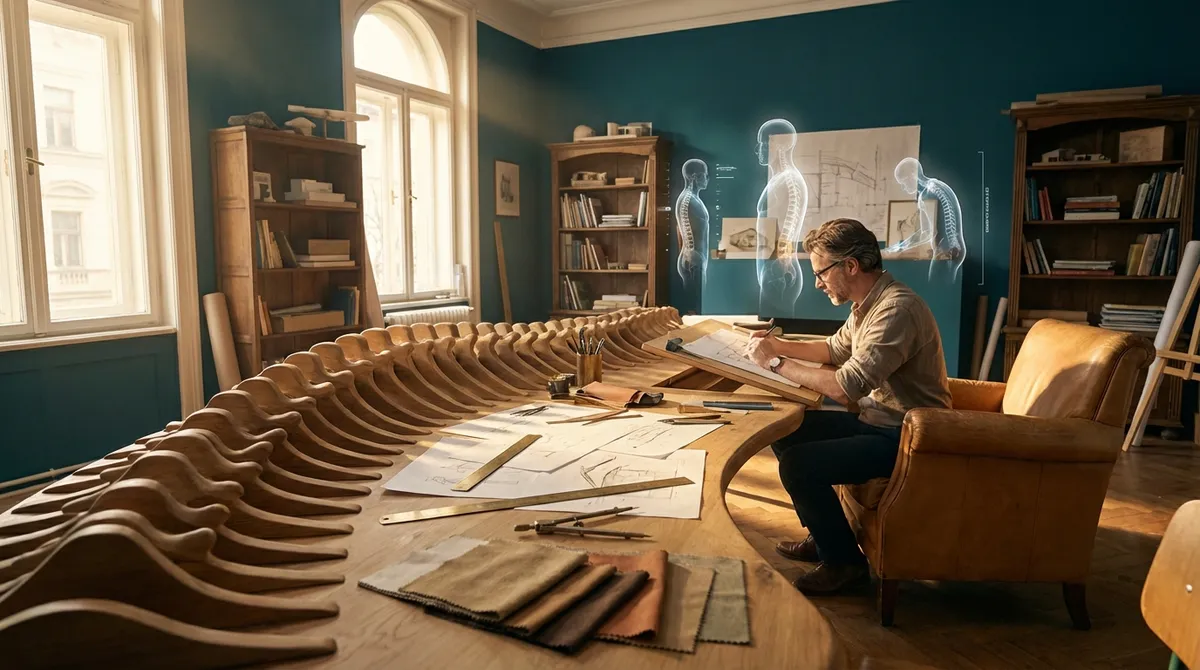
Back pain is rarely a sudden intruder; it is more often the quiet consequence of years of small compromises—chairs that almost fit, screens slightly too high, and shoes that almost support. Ergonomics, at its most refined, is not about purchasing expensive equipment; it is about designing the way your body inhabits space. When approached deliberately, your home, office, and even your commute can become allies in spine health rather than subtle saboteurs.
Below are five exclusive, detail‑driven ergonomic insights—less about generic tips, more about precision adjustments—that people living with back issues tend to appreciate once they experience the difference.
Insight 1: Think in “Spinal Zones,” Not Single Postures
Many ergonomic guides fixate on one correct posture, as though there were a single ideal position for the spine. In reality, your back thrives on moving between well-supported zones, not freezing in one pose for hours.
Imagine your day as a gentle rotation through three spinal zones:
- Neutral Upright Zone – Your ears are roughly over your shoulders, shoulders over hips, feet grounded. This is your workhorse position for focused tasks at a desk.
- Supported Recline Zone – Your back leans slightly (100–110 degrees), with your upper back supported and your pelvis anchored. This is ideal for reading, calls, or strategic thinking.
- Active Standing Zone – You are standing with subtle weight shifts, hips unlocked, one foot occasionally elevated on a small footrest or low step. Ideal for calls, short laptop sessions with a high surface, or creative brainstorming.
Instead of chasing a mythical “perfect posture,” design your environment so you can effortlessly rotate among these zones:
- A chair that allows a controlled recline without slumping.
- A desk setup that can accommodate standing or perched sitting.
- A footrest or low stool to subtly change hip and lumbar loading.
For many with back issues, relief arrives not from one miracle posture, but from eliminating long static holds. The refinement lies in making transitions small, frequent, and nearly invisible to anyone watching you work.
Insight 2: Curate Micro-Heights With Surgical Precision
Most people adjust their chair once and declare the setup “good enough.” Your spine, especially if it has a history of pain, often requires sub-centimeter precision—what we might call micro-heights.
Three often-overlooked height relationships matter deeply:
- Chair to Desk Height: Your elbows should be close to 90 degrees or slightly open, forearms floating parallel to the floor or gently angled down. If the desk is too high, your shoulders creep upward. If too low, you collapse forward from the upper back.
- Screen to Eye Line: The very top of your screen should be roughly at, or slightly below, eye level for most people. This prevents the subtle forward head drift that compresses the cervical and upper thoracic spine over hours.
- Feet to Floor (or Footrest): If your feet do not rest fully and firmly, your pelvis often tilts, undermining lumbar support. A simple, solid footrest can be transformative.
Treat your setup as a fine-tuning project, not a one-time adjustment:
- Adjust your chair in small increments, then work for 20–30 minutes before deciding if it’s truly better.
- Stack books or use a temporary stand under your laptop screen to test different monitor heights before investing in hardware.
- If your feet dangle even slightly, prioritize a footrest—not as an accessory, but as core lumbar protection.
Those with chronic back sensitivity often discover that 2–3 millimeters at the wrist, 1–2 centimeters at the screen, or just a slight change in thigh angle can markedly reduce end-of-day pain. This is ergonomics at its most refined: quiet, precise, almost architectural in detail.
Insight 3: Design “Transition Rituals” Between Sitting, Standing, and Walking
Ergonomics is frequently narrowed to what happens at the desk, yet for a back already under strain, the most vulnerable moments are transitions—standing up after long sitting, bending to pick something up, or shifting from car to office.
Instead of treating these as throwaway movements, elevate them into micro-rituals:
- The 10-Second Stand-Up
Before rising from your chair, slide slightly to the front, plant both feet evenly, engage your core just enough to feel subtle support, and hinge forward at the hips (not the waist). Only then stand, using your legs primarily, not your back.
- The Car Exit Protocol
Swing both legs out together with the knees aligned, keep the spine tall, and use the door frame or seat for support as you stand. Avoid twisting and rising in one motion, which can be provocative for the lumbar discs and small joints.
- The Gentle Reset After Sitting
Once you stand, pause for 5–10 seconds: soften your knees, gently lengthen through the crown of your head, and allow your shoulders to broaden. Think of it as a tiny postural reboot before walking.
By treating these tiny interludes as deliberate, graceful moments, you reduce the spinal strain that accumulates in the margins of your day. People with persistent back pain often report that pain spikes not while sitting or standing, but when moving poorly between the two. Elegant ergonomics attends to the in‑between.
Insight 4: Your Back Remembers Textures, Not Just Angles
Most ergonomic advice focuses on angles and alignments—seat height, screen angle, elbow position. Yet the nervous system, especially in a sensitized back, responds intensely to texture, firmness, and pressure distribution.
Consider the following refinements:
- Chair Padding and Firmness: A surface that is too soft allows you to sink and slump; one that is too hard creates pressure points. Many people with back issues do best with medium-firm support that clearly defines where the pelvis and thighs rest without cutting into them.
- Lumbar Contact Quality: Rather than exaggerated lumbar rolls that force an aggressive curve, aim for a broad, gentle contact that meets your natural curve where it is, not where a generic guideline expects it to be.
- Fabric and Friction: Very slippery surfaces can make you slide forward into a posterior pelvic tilt; overly grippy ones may lock you into one position. If you tend to slide, a higher-friction cushion or cover can subtly stabilize your posture.
This principle extends beyond the office:
- Mattress and Pillow: A mattress that is too soft for your body type may allow your hips to sink, stressing the lumbar region; too firm may create pressure that causes midnight repositioning and morning stiffness.
- Car Seat Surfaces: Some car seats combine softness with inadequate lumbar contour, leading to a sophisticated-looking interior that silently works against your back.
For backs that are easily irritated, the sensation of support matters as much as the geometry. When trialing a new chair, cushion, or mattress, assess not just alignment, but how your back feels after 20–30 minutes of stillness: heavy and compressed, or quietly held.
Insight 5: Align Your Environment With Your Most Vulnerable Spinal Segment
Not all backs are the same. Some people have lumbar disc issues, others facet joint irritation, sacroiliac instability, or thoracic stiffness. Yet most ergonomic setups are one-size-fits-all. A premium approach recognizes your primary vulnerable segment and builds the environment around it.
For example:
- If your lower lumbar discs (L4–L5, L5–S1) are sensitive:
- Prioritize hip positioning. Excessive hip flexion (deep sitting, low sofas, low car seats) can load the lumbar discs.
- Opt for slightly higher seat pans, knees roughly at or just below hip level.
- Use gentle lumbar support to avoid slumping, but not so aggressive that it forces excessive arching.
- If your mid-back (thoracic) is stiff or painful:
- Screen position becomes non-negotiable. A low screen invites hunching, compressing the thoracic spine.
- Choose chairs with upper back support, not just a lumbar bump.
- Introduce intentional “chest opening” breaks: sitting tall, hands behind head, gentle upper back extension over the backrest (within comfort limits).
- If your sacroiliac joints or pelvis are the weak link:
- Leg position matters deeply. Crossed legs or sitting on one foot can destabilize the pelvis.
- Emphasize symmetry—feet flat or on a footrest, weight evenly distributed.
- Consider a very subtle wedge cushion to slightly tilt the pelvis forward, supporting a neutral lumbar curve without forcing it.
Rather than chasing every possible ergonomic upgrade, invest in the few changes that speak directly to your most vulnerable region. This individualized alignment turns ergonomics from a generic checklist into a tailored, almost bespoke intervention for your spine.
Conclusion
Elegance in ergonomics is not defined by how futuristic your chair looks or how impressive your desk appears on video calls. It is defined by how quietly and consistently your environment protects your spine, especially on demanding days when you are least attentive to your body.
By thinking in spinal zones rather than static postures, fine-tuning micro-heights with intention, honoring transitions as rituals, respecting textures as much as angles, and tailoring your setup to your most vulnerable spinal segment, you transform ergonomics into a daily practice of architectural care for your back.
For those living with back issues, this level of detail is not indulgence; it is strategic. Your spine is the central column of your life. It deserves design that is as considered as any other premium investment you make.
Sources
- National Institute of Neurological Disorders and Stroke – Low Back Pain Fact Sheet – Overview of causes, risk factors, and management of low back pain
- Mayo Clinic – Office Ergonomics: Your How-To Guide – Practical guidance on ergonomic workstation setup and posture
- Occupational Safety and Health Administration (OSHA) – Computer Workstations eTool – Detailed governmental recommendations on workstation design and ergonomic adjustments
- Harvard Health Publishing – The Right Way to Sit at Your Desk – Discussion of posture, chair setup, and strategies to reduce back strain in office settings
- Cleveland Clinic – Back Pain: Symptoms, Causes, and Treatment – Comprehensive overview of back pain types and evidence-based management approaches
Key Takeaway
The most important thing to remember from this article is that this information can change how you think about Ergonomics.



