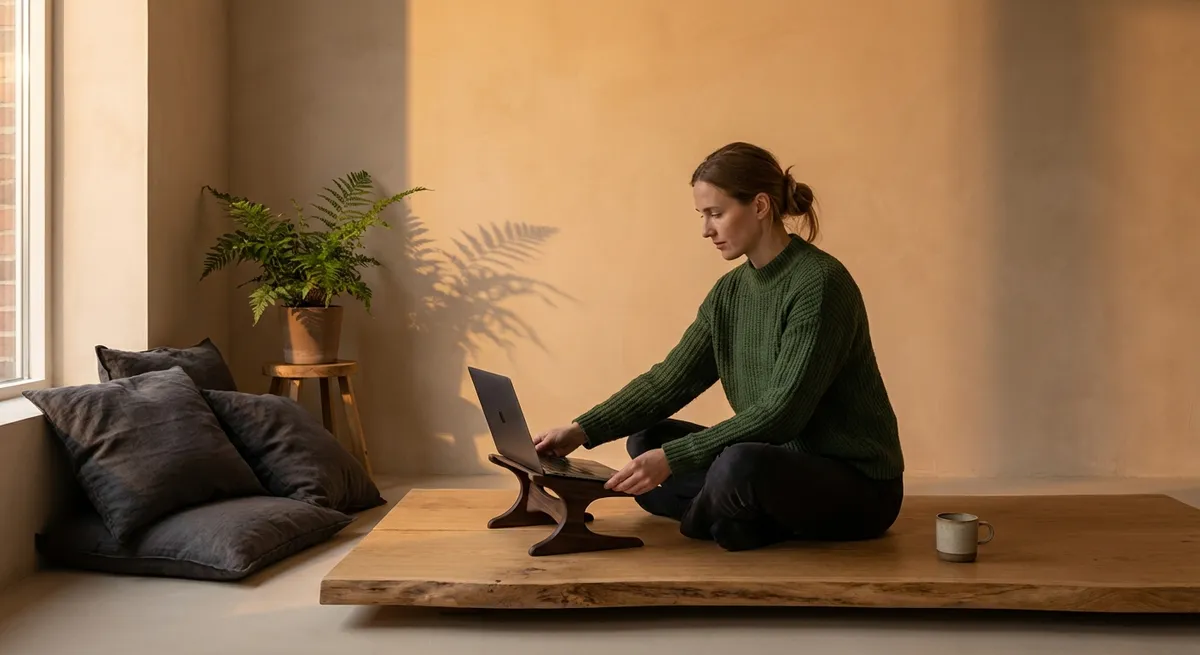
Back comfort at a high level is rarely the result of a single chair, desk, or cushion. It is the sum of discreet choices, consistently made, that allow the spine to move, rest, and work without strain. For people who live with back issues, ergonomics is less about gadgets and more about a refined way of inhabiting spaces—at home, at work, and everywhere in between.
This article explores an elevated approach to ergonomics, with five exclusive insights tailored for those who expect more from their back care than standard advice. Think of them as small, deliberate upgrades that quietly change how your spine experiences the day.
Ergonomics as a 3D Experience, Not a Chair Setting
Most ergonomic advice begins and ends with how a chair is adjusted. That is only one dimension of an environment that is fundamentally three‑dimensional and dynamic. The spine responds not just to angle and height, but to the way you reach, rotate, and shift.
A premium ergonomic setup accounts for depth (how far you reach), width (how far you twist), and height (how high you lift). For instance, a monitor at the correct height but too far away will still pull your neck forward and round your upper back. Similarly, a perfectly adjusted chair cannot compensate for a wastebasket that forces you to twist and lean repeatedly to one side during the day.
Begin by observing your most frequent micro‑movements: where your hand goes for the mouse, the phone, a notebook, your glass of water. These habitual reaches are where strain silently accumulates. Bring frequently used items into a “comfort radius” where your elbows remain close to your body and your spine stays broadly aligned. Your goal is not to be motionless, but to ensure that every repeated movement is small, balanced, and easy.
When you reconceive ergonomics as a 3D field rather than a single object, you stop chasing the “perfect chair” and start designing a truly supportive environment.
The Unseen Luxury of Micro‑Adjustments
For people managing back pain, the true luxury is not a fixed posture—it is the ability to change position before discomfort escalates. Micro‑adjustments, performed regularly and intentionally, are one of the most powerful yet underused ergonomic tools.
Every 15–30 minutes, make a small, deliberate adjustment: recline your backrest a few degrees, slightly change the tilt of your seat, move your keyboard a touch closer, rest your feet fully on the floor or on a footrest, or subtly shift your weight from one sitting bone to the other. The changes are minor enough not to interrupt work, but significant enough to prevent the spine from being locked into a single pattern of stress.
Spinal structures—discs, ligaments, muscles—are designed to tolerate loads that change over time better than loads that are constant and unrelenting. By cycling through slightly different postures, you improve circulation, reduce localized pressure, and give fatigued muscles a reprieve without needing to leave your workstation every few minutes.
Consider building micro‑adjustments into your digital life. Use calendar nudges, smartwatch reminders, or even a short chime every half hour as a quiet signal to alter your configuration in some small but intentional way. Over time, this subtle practice can make a noticeable difference in pain levels and fatigue.
Precision Placement: Elevating Screens, Not Stress
For anyone with neck or upper back issues, the height, distance, and alignment of screens are non‑negotiable. Poorly placed screens create a cascade of compensations as the body tries to keep the eyes aligned with the work. The result is often a stiff neck, rounded shoulders, and aching between the shoulder blades.
An elevated approach to screen ergonomics includes three refined details:
- Vertical alignment: The top of your main monitor should be at or just below eye level, so the gaze gently slopes downward. If you wear progressive lenses, a slightly lower monitor can prevent head‑tilting and neck extension.
- Distance discipline: Place the screen roughly an arm’s length away. If you find yourself leaning in, the answer is usually better magnification or font size, not a compromised neck.
- Single point of truth: When using multiple screens, designate a primary one and align it directly in front of you. Turning your head to one side for hours is an invitation to asymmetric neck and upper back strain.
Laptop users with back issues benefit significantly from decoupling the screen and keyboard—raising the laptop on a stand and using an external keyboard and mouse. This small investment transforms a travel‑born design into a long‑term spine ally.
Once your screens are properly placed, you may notice that breathing feels easier and your shoulders settle back without effort. That ease is your nervous system recognizing that it no longer has to fight your environment for every line of text.
The Standing Desk, Refined: Alternation Over Ideology
The rise of standing desks has sometimes turned posture into ideology: sitting is “bad,” standing is “good.” For a sensitive spine, this binary thinking is incomplete. Both prolonged sitting and prolonged standing can aggravate back issues; what matters is the rhythm between them.
A refined standing desk strategy is less about how long you stand and more about how gracefully you alternate:
- Begin with short standing intervals—10–20 minutes—followed by sitting for 30–40 minutes.
- Use standing for tasks that are naturally more dynamic, like phone calls, brainstorming, or reading documents.
- Ensure your standing posture is supported: feet hip‑width apart, weight evenly distributed, knees soft (not locked), and, ideally, one foot occasionally resting on a low footrest to vary lumbar load.
- If wearing elegant but unsupportive footwear, limit standing periods and consider keeping a more supportive pair for dedicated desk use.
The desk height must allow your elbows to rest near 90 degrees with relaxed shoulders, whether sitting or standing. This continuity matters; abrupt differences in arm position between sit and stand modes can create shoulder and neck tension that undermines the very purpose of the setup.
Alternation becomes a quiet ritual—sit for focused typing, stand for calls and reading, perhaps walk briefly between transitions. This choreography transforms the workday from a static demand on the spine into a gentle sequence of varied support.
Night‑Time Ergonomics: The Spine’s Private Concierge
Back care does not stop when work ends. For many people with back issues, the night is when the spine finally presents its full account of the day’s compromises. That is why sleep ergonomics deserves the same level of precision as any office setup.
Think of your mattress and pillow as a private concierge for your spine:
- Mattress support: Too soft, and the spine sags into misalignment; too firm, and pressure points form at the shoulders and hips. Many people with back issues do best with a medium‑firm surface that supports natural spinal curves while allowing some contouring. If replacing a mattress is not immediately possible, a high‑quality topper can meaningfully adjust feel and support.
- Side sleeping with intention: If you sleep on your side, place a pillow between your knees to keep your hips stacked and your lower back more neutral. Ensure your head pillow fills the space between mattress and neck so the head does not tilt up or down.
- Back sleeping with subtle support: A small pillow or rolled towel under the knees can ease pressure on the lower back by slightly flexing the hips and knees. Your main pillow should support the natural curve of the neck, not push the head too far forward.
- Evening wind‑down as ergonomic reset: Gentle, guided stretches or simple posture resets before bed can help undo the cumulative tension of the day, making it easier for the back to settle into a comfortable position.
Night‑time ergonomics is where people with back issues often experience the most profound return on thoughtful adjustments. Waking with less stiffness and fewer sharp pains can change the tone of the entire day that follows.
Conclusion
Sophisticated ergonomics is not about surrounding yourself with equipment; it is about cultivating an environment that quietly cooperates with your spine at every turn. When you treat ergonomics as a 3D experience, honor micro‑adjustments, refine screen placement, alternate sitting and standing with intention, and extend this care into the night, you transform back management from a reactive struggle into a composed daily practice.
For those living with back issues, these choices are not indulgences—they are the structural foundations of a more comfortable, more capable life. The elegance lies in their subtlety: small, precise changes that, together, allow your spine to work, move, and rest with ease.
Sources
- [National Institute for Occupational Safety and Health (NIOSH): Computer Workstations](https://www.cdc.gov/niosh/topics/ergonomics/default.html) - Evidence‑based guidance on ergonomic workstation design and risk reduction
- [Mayo Clinic – Office Ergonomics: Your How‑To Guide](https://www.mayoclinic.org/healthy-lifestyle/adult-health/in-depth/office-ergonomics/art-20046169) - Practical recommendations for chair, desk, and monitor setup
- [Harvard Health Publishing – Proper Desk Posture to Prevent Back and Neck Pain](https://www.health.harvard.edu/pain/creating-a-comfortable-workstation-to-avoid-back-and-neck-pain) - Discussion of posture, positioning, and back pain prevention at work
- [Cleveland Clinic – How to Set Up an Ergonomic Workspace](https://health.clevelandclinic.org/ergonomic-workspace) - Clinically informed tips on workstation ergonomics, including sitting vs. standing
- [National Institutes of Health (NIH) – Sleep and Pain](https://www.ncbi.nlm.nih.gov/pmc/articles/PMC5449130/) - Research overview of how sleep quality and nighttime factors influence pain, including back pain
Key Takeaway
The most important thing to remember from this article is that this information can change how you think about Ergonomics.



