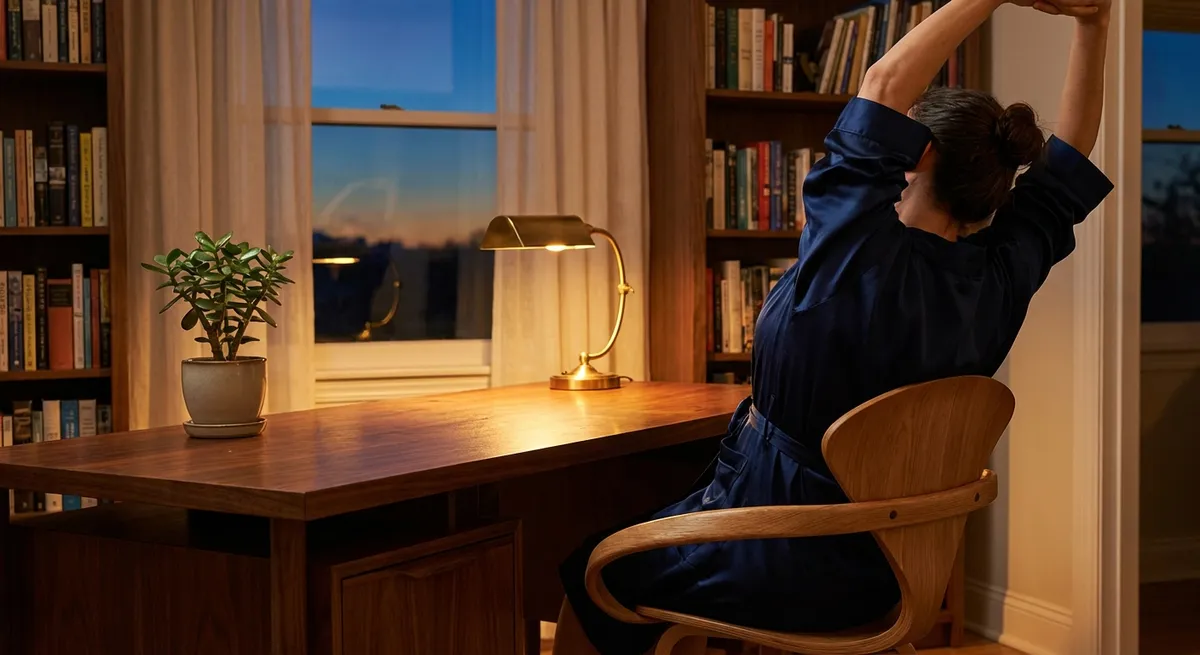
Back comfort is no longer a luxury; it is a quiet prerequisite for doing your best work, thinking clearly, and moving through the day without negotiation. Ergonomics, when treated as an art rather than an afterthought, transforms the way your spine experiences time: less friction, less micro‑strain, more ease. This is not about a single “perfect chair” or a trendy device. It is about cultivating a subtle ecosystem around your body—one that respects the way your spine was designed to move, support, and restore itself.
Below, you’ll find five exclusive ergonomic insights that move beyond cliché advice. Each one is crafted for those who already “know the basics,” yet still feel their back asking for something more precise, more intelligent, and more considered.
Insight 1: Design Your Day, Not Just Your Desk
Most ergonomic advice stops at chair height and monitor distance. The more meaningful question is: how does your spine experience your entire day?
Your back does not distinguish between home, office, car, or gym; it only registers cumulative load. A beautifully set‑up workstation loses its power if the rest of your day is spent in unsympathetic positions—slumped on a low sofa, twisted in the car, or scrolling on the bed with your neck flexed forward. A premium approach to ergonomics treats your day like a choreography of postures.
Begin by mapping your daily “posture zones”: desk, dining table, car, lounge, bed. For each, make one deliberate refinement. At the dining table, ensure your feet are fully supported and your hips are slightly higher than your knees. In the car, adjust the seat so your hips and knees are level, your back is supported along its length, and your shoulders rest without reaching for the steering wheel. On the sofa, add a slim lumbar cushion and consider a small footrest to avoid sinking into a rounded, unsupported curve.
The true sophistication lies in continuity: preserving a neutral, supported spine as you move from environment to environment. Think of it less as “fixing your desk” and more as curating a 24‑hour ergonomic lifestyle.
Insight 2: The “Micro‑Tilt” Principle for an Unfatigued Spine
We are often told to “sit up straight,” as though the spine were meant to hold a rigid, unchanging pose. In reality, your back thrives on delicate variation. The most refined ergonomic setups subtly invite movement rather than enforcing stillness.
The micro‑tilt principle is simple: instead of locking into one “ideal” position, you allow small shifts in pelvic angle and spinal curve throughout the day. Slightly reclining your chair, then returning to a more upright posture; placing one foot gently on a low footrest, then switching sides; sliding a lumbar support a centimeter higher or lower—all of these tiny adjustments change how force is distributed along your spine.
Evidence suggests that prolonged static sitting—even in a theoretically “perfect” position—can increase disc pressure and muscle fatigue. Alternating between a slightly reclined position (100–110 degrees at the hip) and a more upright posture can reduce strain, especially in the lumbar region. When you feel the first whisper of discomfort—tension, heaviness, or subtle ache—treat that as a cue to micro‑tilt, not to endure.
Consider setting a discreet reminder every 30–45 minutes, not to stand up necessarily, but to adjust: a breath, a tilt, a small repositioning of feet or armrests. The goal is not restlessness, but low‑intensity, graceful variability that keeps your spine nourished rather than numbed.
Insight 3: Calibrated Surfaces: The Underestimated Power of Contact Quality
High‑end chairs and desks often focus on aesthetics and branding; truly exceptional ergonomics focuses just as much on contact quality—how surfaces meet your body. The refinement is in the interface.
For the back, three interfaces matter deeply: what meets your sacrum and lower lumbar region, what your shoulders rest against, and what your forearms touch while you work. A backrest that supports the natural inward curve of your lower spine without forcing it creates a sense of length and ease, not pressure. The sacrum should feel gently cradled, not pushed; the lumbar support should feel like a quiet presence, not a rigid edge.
The same thinking applies to arm support. When your forearms are lightly supported at desk or armrest height, your upper trapezius and neck muscles no longer have to “hold” your arms all day. This subtle unloading reduces neck tension and upper‑back fatigue—two common companions of lower‑back discomfort. Soft‑edged desktops or gel wrist supports can prevent compression at the wrist and forearm, protecting not just the spine but the entire kinetic chain.
Take a few minutes to simply sit and notice: where does your chair press too sharply? Where does it fail to meet you at all? Often, a slender cushion, a folded towel precisely placed at the sacrum, or an armrest adjusted by a single notch transforms the experience of sitting from “tolerable” to quietly supportive.
Insight 4: Standing Desks as Instruments, Not Statements
Standing desks have become a status symbol of “healthy work,” yet standing poorly can be as unkind to the spine as sitting poorly. The distinction lies in how intentionally you use them.
Think of a standing desk not as a permanent position but as an instrument for alternation. Research increasingly supports the concept of “postural rotation”—transitioning between sitting and standing—as more beneficial than committing to one posture for long stretches. For many, a cycle of 30–45 minutes sitting followed by 15–20 minutes standing is both realistic and protective.
The elegance is in the details of standing. Your weight should feel evenly distributed between both feet, with knees soft rather than locked. If you wear heeled shoes, consider a lower heel or standing barefoot or in supportive flats while at your desk. A small footrest or low platform to alternately rest one foot can reduce load on the lumbar spine. Your screen, whether sitting or standing, should remain at eye level, with the top of the screen at or slightly below eye height, and the keyboard close enough to avoid leaning forward.
If you notice that standing leads to subtle low‑back tightness or fatigue in the legs, this is a design prompt, not a failure. Adjust the height of your desk, explore an anti‑fatigue mat with mild cushioning, or shorten your standing intervals. A standing desk, exquisitely used, is not an endurance test; it is a reserved variation that keeps your back from settling into one pattern for too long.
Insight 5: Night‑Time Ergonomics: The Spine’s Quietest Negotiation
True ergonomic sophistication does not end with your workday. Your spine spends a third of its life in bed; the way you sleep can either undo or reinforce the strain you accumulate while awake.
For most people with back issues, a medium‑firm mattress supported by a compatible base offers a more reliable balance between contouring and support than ultra‑soft or very rigid surfaces. But the refinement is in how your spine is aligned on that mattress. When lying on your side, your head should be aligned with your torso, not tipped up or down; a pillow of the right loft maintains this line. A small cushion between the knees can keep the hips, pelvis, and lower back from rotating, which often reduces morning stiffness.
For back sleepers, a low to medium pillow that supports the neck without forcing the head forward is key. A small pillow or folded towel beneath the knees can reduce lumbar arching by tilting the pelvis into a more neutral position. Those who prefer to lie partly on the side and partly on the back may benefit from a body pillow to support the top arm and leg, reducing torsion in the spine.
Night‑time ergonomics is fundamentally about non‑negotiation: arranging your environment so that when you relax fully, your spine remains aligned. The goal is to make the healthiest alignment the path of least resistance—no effort, no constant adjustments, simply a bed and pillow that hold your back with quiet intelligence.
Conclusion
Exquisite back care is rarely about grand gestures. It is found in the millimeter—the small shift of a chair, the silent rise of a desk, the precise height of a pillow, the soft rest of your forearms on a surface that truly fits you. Ergonomics, when treated as a daily ritual rather than a one‑time setup, becomes a quiet form of self‑respect: you are designing a world that does not ask your spine to pay for your productivity, ambition, or comfort.
If you live with back issues, you may already know the broad rules. The difference now lies in refinement: designing your entire day, inviting micro‑movement, curating contact surfaces, using standing wisely, and honoring the hours your back spends in sleep. Layered together, these practices offer not just less pain, but a more capable, composed, and enduring spine.
Sources
- [National Institute for Occupational Safety and Health (NIOSH): Ergonomics and Musculoskeletal Disorders](https://www.cdc.gov/niosh/topics/ergonomics/default.html) - Overview of ergonomic principles, workplace design, and musculoskeletal risk factors
- [Mayo Clinic – Office Ergonomics: Your How‑To Guide](https://www.mayoclinic.org/healthy-lifestyle/adult-health/in-depth/office-ergonomics/art-20046169) - Practical guidance on setting up chairs, desks, and workstations for spinal comfort
- [Harvard Health Publishing – Is a Standing Desk Right for You?](https://www.health.harvard.edu/blog/is-a-standing-desk-right-for-you-2016092310264) - Evidence‑based discussion of standing desks, posture variation, and back health
- [Cleveland Clinic – Back Pain at Work: Preventing Pain and Injury](https://my.clevelandclinic.org/health/articles/10301-back-pain-at-work) - Strategies for reducing work‑related back strain, including sitting and lifting mechanics
- [National Library of Medicine – Mattress and Sleep Positions in Low Back Pain](https://pubmed.ncbi.nlm.nih.gov/14624097/) - Research examining mattress firmness and sleep posture in relation to chronic low back pain
Key Takeaway
The most important thing to remember from this article is that this information can change how you think about Ergonomics.



