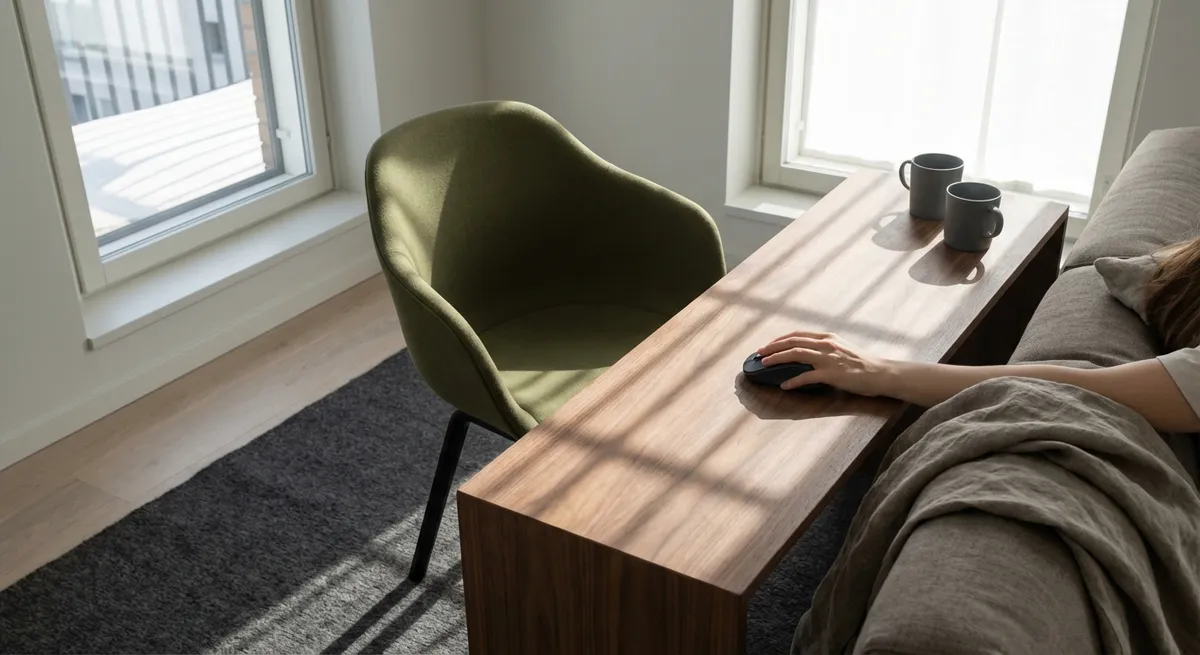
Back pain rarely announces itself dramatically. More often, it accrues in silence—an extra hour at the laptop, a long commute, a sofa that flatters the eye but not the spine. Ergonomics, at its most refined, is not about buying a single “perfect” chair or chasing the latest gadget. It is the artful arrangement of your environment so your back no longer has to negotiate with every surface, seat, and screen. Thoughtful ergonomics is quiet architecture: invisible when done well, yet shaping every moment you sit, stand, and move.
This is not about perfection. It is about cultivating conditions in which your back is no longer working overtime just to get you through the day.
Beyond the Chair: Designing a Whole-Room Spine Strategy
Most ergonomic advice stops at the chair, as though your back only exists from 9 to 5. A more elevated approach looks at the entire room as a system that either collaborates with your spine—or conspires against it.
Notice the pathways you repeatedly travel: desk to printer, sofa to kitchen, bed to bathroom. Each micro-journey is a chance to reduce unnecessary twisting, bending, and reaching. Place frequently used items (laptop bag, chargers, reference books, water, medications) within an easy arm’s reach and at mid-torso height to avoid repeated stooping or overhead stretching.
Lighting also belongs in your ergonomic vocabulary. Poor lighting encourages you to lean toward your screen or documents, subtly increasing neck flexion and upper-back strain. By arranging desk lamps and ambient lighting to reduce glare and shadows, you allow your head to stack more naturally over your shoulders, which quietly reduces load throughout the spine.
Flooring matters as well. Hard, unforgiving surfaces magnify the stress of standing desks and kitchen prep. A high-quality anti-fatigue mat or thoughtfully chosen rug can soften impact and promote micro-movements in the feet, reducing the unrelenting stillness that often aggravates low-back discomfort.
Exclusive Insight #1: Treat your entire room as an ergonomic ecosystem. The real luxury is not a single expensive chair—it is a space that has been curated so your back is never forced into awkward negotiation.
Micro-Postures: The Elegant Art of Constant, Invisible Adjustment
We often imagine good posture as a fixed, upright silhouette—shoulders back, chin in, spine neutral. In reality, the healthiest posture is not static; it is a series of subtle variations around alignment. The back thrives on movement, especially movement that is small, frequent, and almost imperceptible.
Every 10–20 minutes, invite a micro-adjustment: shift weight to the other hip, slide slightly forward on the seat, rest a foot on a small box, elongate the spine for two slow breaths, then let the shoulders melt down and back. These shifts appear trivial, but for a spine under chronic load, they are the difference between compression and circulation.
If you work at a screen, use “natural interruptions” as posture prompts: incoming emails, message notifications, or document saves can cue you to scan your body. Ask: Is my head drifting forward? Is my lower back collapsing into the chair? Are my shoulders tightening toward my ears? Releasing these patterns gently, several times an hour, is more powerful than a single, intense “posture correction” session.
Exclusive Insight #2: Think in micro-postures, not perfect posture. Your back prefers a graceful dance of small, frequent adjustments to the rigid pursuit of one ideal position.
Frictionless Transitions: Refining the Moments Between Sitting and Standing
For many people with back issues, the most painful moment is not sitting or standing, but the transition between the two. Rising from a deep sofa, exiting a low car seat, or leaning out of a reclined work chair can provoke a sharp reminder from the spine. Thoughtful ergonomics makes these transitions almost frictionless.
Start by adjusting heights wherever possible. A seat that is too low forces the hips below knee level, demanding greater lumbar flexion and making it harder to stand without strain. Aim for seating where your hips are at or slightly above the level of your knees, so you can hinge forward from the hips and stand with the spine more aligned.
Next, consider handholds and support points. A stable armrest, countertop near your favored chair, or bed frame that is easy to grip allows the arms and legs to share the effort of rising and lowering, sparing the back from bearing the entire responsibility. In the car, adjusting the seat tilt, distance from the pedals, and steering wheel depth can transform each entry and exit from an awkward maneuver into a smoother, more supported movement.
Finally, slow the transition itself. Rather than “launching” out of a chair, slide to the edge of the seat, plant feet firmly, hinge slightly forward keeping the spine long, and let the legs do the heavy lifting. This sequence adds only seconds, but for a sensitive back, it can mean the difference between a neutral day and a flare.
Exclusive Insight #3: Optimize the transitions, not just the positions. The refined approach to ergonomics treats every sit–stand motion as a thoughtfully engineered movement, not an afterthought.
The Spine’s Support Cast: Training Hands, Feet, and Eyes
Ergonomics is often framed as a spine-only conversation, but your back’s comfort depends heavily on how the rest of your body is being used—or misused. Hands, feet, and even eyes can either support or sabotage your spine.
Hand and wrist strain, for instance, often leads to a chain reaction. When keyboard or mouse positioning is suboptimal, you may creep closer to the desk, elevate the shoulders, or lean forward to “protect” the hands. Over hours, this subtle guarding posture compounds neck and upper back tension. Aligning keyboard and mouse at elbow height, placing the mouse close to the keyboard, and keeping wrists in a neutral line reduces this cascade of compensations.
Your feet also send crucial messages upstream. When they dangle, twist around chair legs, or tuck under the seat, the pelvis loses a stable base, and the low back works harder to maintain balance. Grounded feet—flat on the floor or on a sturdy footrest—give the spine a calm foundation, allowing lumbar and thoracic segments to stack with less muscular effort.
Even eye ergonomics matter. A screen that is too low or too far away encourages a forward head posture and squinting, each subtly intensifying neck and upper-back load. Adjusting screen height so that the top third is roughly at eye level and distance allows the head to relax into a more neutral, sustainable position.
Exclusive Insight #4: Train the “support cast”—hands, feet, and eyes—to cooperate with your spine. When these are well-positioned, the back is freed from constant low-level crisis management.
Personal Baseline: Curating an Ergonomic Signature for Your Back
There is no universally ideal chair, desk, or pillow. For people dealing with back issues, the most sophisticated ergonomic choice is not the most popular product, but the one that honors your specific history, sensitivities, and preferences.
Begin by identifying your back’s signature stressors. Do long drives provoke low-back ache? Does prolonged standing irritate your mid-spine? Do soft, deep sofas leave you stiff upon rising? Create a quiet log for one week: note what you were doing for the 30–60 minutes before your discomfort increased or decreased. Patterns will reveal themselves.
Use this data to curate an “ergonomic baseline”—a set of non-negotiables that your environment must respect. This might include: a minimum seat height range, preferred firmness of support, the need for lumbar contour in chairs, or strict time limits for uninterrupted sitting. With this baseline defined, you can evaluate new purchases and setups with uncommon clarity, rather than relying on marketing claims or generic recommendations.
Over time, refine this baseline the way one might refine a wardrobe: removing what no longer serves, investing in one or two key anchors (perhaps a primary work chair and mattress), and adjusting smaller elements—footrests, lumbar cushions, monitor arms—to keep the overall system harmonious.
Exclusive Insight #5: Develop a personalized ergonomic baseline, not a generic checklist. The most elevated form of back care is a space curated to your back’s biography, not to trends.
Conclusion
Elegant ergonomics is less about visible “gear” and more about invisible relief. It is the deliberate shaping of rooms, movements, and micro-habits so your back no longer has to argue with your environment all day. By viewing your space as an ecosystem, embracing micro-postures, refining transitions, recruiting hands and feet as allies, and curating a personal baseline, you transform ergonomics from a technical obligation into a quiet daily luxury.
In that kind of environment, back care stops feeling like a project—and starts feeling like the natural way your life is arranged.
Sources
- National Institute of Neurological Disorders and Stroke – Low Back Pain Fact Sheet - Overview of causes, risk factors, and management strategies for low back pain
- Mayo Clinic – Office Ergonomics: Your How-to Guide - Practical guidance on arranging desks, chairs, and equipment for spinal health
- U.S. Occupational Safety and Health Administration (OSHA) – Computer Workstations eTool - Detailed recommendations for workstation design and posture at the computer
- Harvard Health Publishing – The Importance of Good Posture - Discussion of posture dynamics, spinal load, and long-term musculoskeletal effects
- Cleveland Clinic – Ergonomics: The Science of Comfort at Work - Insights into ergonomic principles, workplace adjustments, and their impact on back pain
Key Takeaway
The most important thing to remember from this article is that this information can change how you think about Ergonomics.



