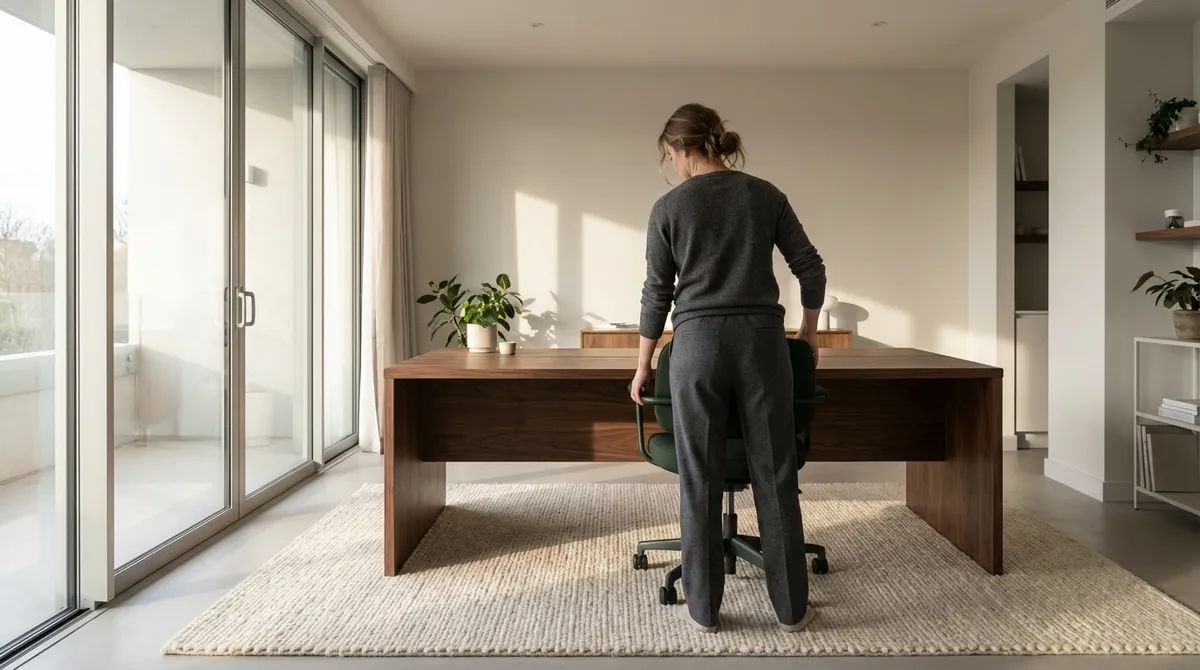
The way you sit, reach, type, and even pause between tasks is quietly shaping the future of your spine. Ergonomics is no longer a niche concern reserved for specialized workplaces; it is a daily design language that either refines your comfort or erodes it. For those already navigating back tension or recurring discomfort, subtle ergonomic upgrades can feel less like “fixes” and more like a quiet return to physical dignity. This is ergonomics as a curated experience—where every surface you touch, and every posture you inhabit, is thoughtfully orchestrated in favor of your back.
Ergonomics as Spatial Curation, Not Just Chair Selection
Ergonomics is often reduced to a single object—the “right chair” or the “right desk”—but your back experiences a room, not a product. Viewing ergonomics as spatial curation allows you to transform your environment into a supportive ecosystem rather than a collection of disconnected fixes.
Begin by noticing the choreography of your day: where you naturally place your laptop, the direction you turn most frequently, the surfaces you lean on, the distances you tend to overreach. Each of these micro–interactions either encourages ease or invites strain. A thoughtfully curated space minimizes twisting, reaching, and perching on unstable edges while bringing frequently used items into a neutral, effortless range.
For the back-sensitive individual, this means arranging your environment so that your spine rarely pays the price for poor layout. Place screens directly in front of you rather than off to the side; keep essential items within a comfortable arm’s length; align your chair, desk, and monitor so that you are not subtly contorting to “meet” your workspace. Ergonomics, in this sense, is less about aesthetic perfection and more about functional grace: the feeling that your body doesn’t have to negotiate with the room to accomplish simple tasks.
Exclusive Insight #1: The “Two-Touch Rule”
If you reach for an item more than twice per hour, it should live within an easy, arm’s-length radius that doesn’t require leaning or twisting. This simple rule dramatically reduces low-back strain from repetitive micro-movements throughout the day.
The Vertical Conversation: Aligning Eyes, Screen, and Spine
Your spine is constantly in conversation with where your eyes are drawn. When your gaze drops, your head follows; when your head follows, your upper back, neck, and often your lower back compensate. Over time, this quiet repetition sculpts posture.
If you work with a laptop, tablet, or multiple monitors, consider how your visual field dictates your posture. An ideal setup positions the top of your main screen roughly at or just below eye level, with the center of the screen slightly downward in your natural gaze. This reduces the temptation to crane the neck forward or slump the shoulders while reading or typing.
The neck and upper back are not separate from the lower back—they are sections of the same architectural column. When the upper segments fall out of alignment, the lower back absorbs more load to compensate. Aligning your gaze with care is, therefore, an investment in lumbar comfort as much as in cervical relief.
Exclusive Insight #2: The “Soft Eyes, Tall Spine” Practice
Several times a day, allow your gaze to soften and widen, as if you were taking in the entire room rather than staring intensely at the screen. As your eyes relax, gently lengthen through the crown of your head, as if being lifted upward. This pairing—a softened gaze with a lengthened spine—reduces neck tension and reminds your body of its natural vertical elegance.
Micro-Rest as Micro-Repair: Invisible Breaks that Protect Your Back
Long, uninterrupted sitting or standing is quietly hostile to the spine. The discs, ligaments, and small stabilizing muscles of the back thrive on gentle movement and periodic pressure changes. Yet traditional “breaks” are often irregular and too infrequent to be genuinely protective.
Instead of waiting for fatigue to demand a stretch, structure your day around micro-rest: 30–90 seconds of intentional release woven seamlessly into your routine. This isn’t about dramatic exercise sessions; it is about subtle recalibration. Stand up and shift your weight from one leg to the other. Gently roll your shoulders. Place a hand on your lower ribs and take a slow, expansive breath that widens the sides of your torso. Return to work with just a fraction more space in your spine.
For people living with back issues, this rhythm can be transformative. Micro-rest doesn’t wait for pain to appear; it quietly keeps tissues nourished, joints mobile, and muscles less prone to clenching. Over time, these tiny interludes behave like compound interest for your back health: individually modest, collectively powerful.
Exclusive Insight #3: The “Every Transition Pause”
Link micro-rest to existing habits. Each time you change tasks—send a major email, end a call, close a document—take 30–60 seconds to adjust posture, stand, or walk a few steps. By anchoring movement to transitions, you create a back-friendly cadence without relying on willpower or timers.
The Luxury of Support: Tailoring Surfaces to Your Spine
True ergonomic support is not about making everything soft; it’s about calibrating firmness and contour to your unique body. A chair that feels plush may still undermine spinal alignment if it encourages sinking into a rounded posture. Similarly, a standing desk used with poorly chosen footwear or unforgiving flooring can leave the lower back protesting by day’s end.
Thoughtful support begins with the surfaces that carry you longest: your work chair, mattress, and primary sitting areas. For your chair, prioritize adjustable features—seat height, lumbar support depth, and armrest height—over aesthetic appeal alone. Your lower back should feel “met” by the chair, not left to hover or collapse. Armrests that gently support your elbows reduce shoulder loading, which in turn reduces compensatory tension in the upper and mid-back.
For those already dealing with back discomfort, accessories can elegantly fine-tune the experience: a small, firm lumbar roll, a footrest to ease hip and low-back strain if your feet don’t fully contact the floor, or an anti-fatigue mat for standing work. None of these items needs to be visually intrusive; the most refined ergonomic spaces often appear understated, with the luxury residing in how they feel rather than how they announce themselves.
Exclusive Insight #4: The “Quiet Check-In” Test for Seating
When you sit, close your eyes for 10 seconds and ask: “Where is my back working hardest to hold me up?” If you sense strain in the low back or between the shoulders, your chair or posture is under-supporting you. Adjust lumbar support, chair depth, or backrest angle until your back feels quietly held rather than actively bracing.
Ergonomics Beyond the Desk: Carry, Drive, and Lounge with Intention
Back care does not end when you log off. The way you carry bags, relax on the sofa, or sit in the car can either reinforce or undo the ergonomic gains of your workday. For many people with back issues, the most overlooked strain comes from transitional moments—commutes, errands, evening lounging—where posture is often left to chance.
Heavy shoulder bags or totes worn habitually on one side encourage asymmetry, pulling one shoulder downward and asking the spine to curve subtly to compensate. Opting for a backpack with two straps, redistributing load between hands, or simply carrying less at one time can markedly reduce this quiet, chronic tension. In the car, adjust your seat so that your hips and knees are at a similar height, your lower back has light contact with the seatback, and your elbows maintain a soft bend at the wheel. A small lumbar cushion can transform long drives from a test of endurance into a more neutral, sustainable experience.
At home, consider how you recline. Deep, low sofas that invite slumping may feel indulgent in the short term but unforgiving for an irritable back. Introduce a firm cushion behind your lower back or sit slightly more upright with your feet supported. Comfort and support are not competing priorities; in refined ergonomics, they coexist.
Exclusive Insight #5: The “Evening Reset” Ritual
Before settling into your evening routine, take two minutes to gently counter the day’s postures: stand with your back to a wall, heels a few inches away, and let the back of your head, shoulder blades, and pelvis lightly touch the wall. Breathe slowly and feel your spine reorient to neutral. This small ritual helps your back “reset” before you sit or recline for the rest of the night.
Conclusion
Ergonomics, when approached with discernment, becomes far more than a checklist of equipment—it becomes a refined way of inhabiting space and time. For those living with back sensitivity, every thoughtful adjustment sends a clear signal: your comfort is not an afterthought but a design priority. From curated workspaces and aligned visual fields to micro-rest, tailored support, and intentional transitions beyond the desk, ergonomic refinement is ultimately an act of respect toward your spine.
Your back remembers patterns more than moments. By elevating everyday ergonomics into a quiet ritual of care, you allow your spine to experience the day not as a series of compromises, but as a sequence of well-considered accommodations—each one crafted in favor of lasting, poised comfort.
Sources
- National Institute of Neurological Disorders and Stroke – Low Back Pain Fact Sheet - Overview of causes, risk factors, and management of low back pain
- Occupational Safety and Health Administration (OSHA) – Computer Workstations eTool - Detailed guidance on setting up ergonomic computer workstations
- Mayo Clinic – Office ergonomics: Your how-to guide - Practical recommendations for ergonomic seating, desk height, and monitor placement
- National Institute for Occupational Safety and Health (NIOSH) – Ergonomics and Musculoskeletal Disorders - Evidence-based information on ergonomics and prevention of musculoskeletal strain
- Harvard Health Publishing – How to sit properly - Guidance on seated posture and its impact on back and neck health
Key Takeaway
The most important thing to remember from this article is that this information can change how you think about Ergonomics.



