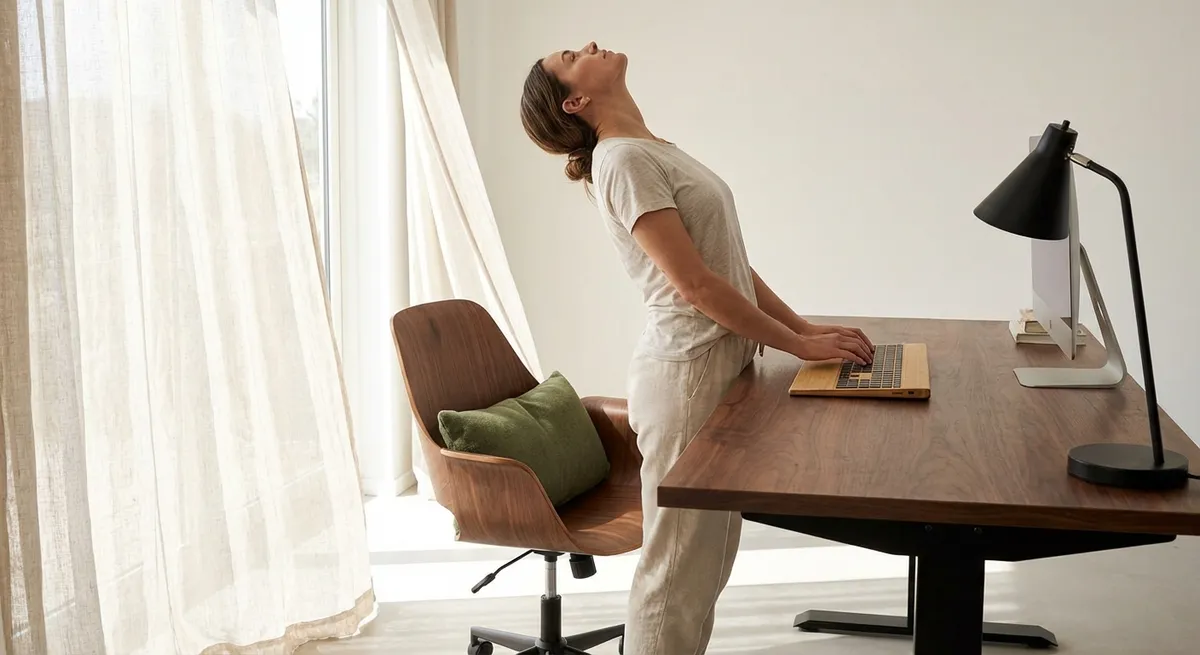
Back pain rarely announces itself with drama; it accumulates in quiet hours at the desk, in habitual gestures, in furniture chosen for aesthetics over alignment. True ergonomic refinement is less about gadgets and more about orchestrating your environment so your spine is no longer compelled to compensate. For those who expect their bodies to perform at a high level—mentally, physically, and aesthetically—ergonomics becomes a form of daily preservation, not crisis management. This is where back care transcends comfort and becomes a considered aspect of how you live, work, and move.
Beyond the Chair: Designing a “Posture Landscape”
Most ergonomic advice stops at “buy a better chair,” but your body responds to an entire landscape, not a single object. Your chair, desk height, monitor position, lighting, and even floor texture interact to shape how your spine is held—or strained—throughout the day.
A refined posture landscape begins with symmetry and predictability. Your monitor aligns directly in front of you, so your neck is not subtly rotated for hours. Your primary tools—keyboard, mouse, notebook—sit within a relaxed arm’s reach, preventing micro-twists through the mid‑back. Your feet are fully supported, either by the floor or a footrest, so your lower back need not fight to stabilize an unstable base. Even lighting matters: when screens or documents are poorly lit, you instinctively lean forward or crane your neck, training poor alignment into your musculature.
Ergonomic luxury is the absence of friction: nothing in your environment forces you to compromise your posture to get work done. The reward is not just less pain, but a sense of physical quiet that allows your attention to go fully into what matters.
Exclusive Insight #1: Treat your workspace as a “posture ecosystem.” If you change one element (such as chair height), deliberately reassess the others—monitor, keyboard, foot support, and lighting—to maintain overall spinal harmony rather than chasing one isolated fix.
Micro‑Adjustments: The Subtle Art of Dynamic Sitting
The body was not designed to hold a single “perfect posture” indefinitely. A truly elevated ergonomic approach embraces micro‑movement—subtle shifts that preserve circulation, hydrate spinal discs, and prevent muscular fatigue.
Dynamic sitting is less about dramatic repositioning and more about quiet variability. Every 10–15 minutes, you make a nearly invisible adjustment: a slight alteration in pelvic tilt, a brief elongation through the spine, gently rolling your shoulders back, or placing one foot slightly forward and then returning to neutral. These changes keep load from accumulating in the same tissues hour after hour.
Sophisticated ergonomics acknowledges that rigidity is as harmful as collapse. The goal is poised variability: you return repeatedly to a neutral, elongated posture, but you do not freeze there. Over time, these micro‑adjustments become almost subconscious—your body learns a repertoire of comfortable, sustainable positions rather than clinging to a single, exhausting ideal.
Exclusive Insight #2: Set a quiet cue (such as a subtle desktop notification or watch vibration every 15–20 minutes) not to “stand up,” but to make a micro‑adjustment—one breath to lengthen your spine, one shoulder roll, one small shift of your sitting base. This gentle variability is a powerful, under‑recognized form of back protection.
The Spine’s Silent Ally: Precision Foot and Hip Support
Most people focus on lumbar support and ignore the foundations that determine whether that support can actually work: the feet, hips, and pelvis. When your lower body is poorly positioned, your spine is forced to compensate in increasingly elaborate—and painful—ways.
True ergonomic precision begins at the floor. Your feet should rest fully and evenly, with knees bent roughly to 90 degrees or slightly more, and hips level or just above knee height. This allows the pelvis to sit in a neutral position, not tipped excessively forward (deep sway back) or backward (slumped, rounded posture). A footrest can be an elegant corrective when the desk height is fixed and not entirely compatible with your body’s proportions.
Hip comfort is equally crucial. If a chair pan is too deep, you will slide forward and round your lower back; too shallow, and your thighs will be insufficiently supported, increasing pressure points and tension. For people with back issues, fine‑tuning hip and foot support often produces an immediate—and surprisingly luxurious—sense of spinal decompression.
Exclusive Insight #3: When you adjust your chair, start with your feet and hips, not your back. Once your feet are grounded and your hips are comfortably supported, notice how much less lumbar support you actually need. Often, a neutral pelvis reduces the demand on cushions and devices dramatically.
The “Reach Signature”: Engineering How You Interact with Space
Every person has a unique “reach signature”—the way they habitually extend their arms, twist their torso, and lean when interacting with objects. Over months and years, this unconscious choreography imprints itself on the spine, either as elegant efficiency or repetitive strain.
Ergonomic refinement involves analyzing your own reach patterns and redesigning them. Place frequently used items—phone, water, reference documents, input devices—within a relaxed reach that does not require your shoulder to hike or your spine to rotate. Reserve twisting or leaning for truly occasional actions, not hourly habits. For those managing back issues, even the angle at which you answer the phone or reach for a file can compound or relieve symptoms.
Digital ergonomics is part of this signature as well. Laptop users often crowd their hands and shoulders inward, narrowing the chest and compressing the upper back. External keyboards and mice, custom‑fit to your shoulder width and arm length, transform these tiny, repetitive actions into something your back can tolerate for years, not merely days.
Exclusive Insight #4: Observe one typical hour of work and note every time you twist, lean, or reach more than a forearm’s length. Redesign your desk layout so your “default reach” feels like a fluid extension of your spine rather than a departure from it. This quiet audit often reveals—and resolves—the hidden movements aggravating your back.
Transitional Ergonomics: Guarding the Moments Between Positions
Most ergonomic advice focuses on static positions—sitting, standing, or lying down. Yet many back aggravations occur in the transitions: rising from a chair, bending for a bag, twisting into a car, leaning over a sink. For a discerning approach to back care, these “in‑between” moments receive the same design attention as your workstation.
Mastering transitional ergonomics means rehearsing movement patterns that keep your spine aligned even while you change positions. When standing from a chair, you bring your feet slightly back, hinge from the hips with a long spine, and use your legs rather than bending your back forward and heaving upward. When reaching to the floor, you hinge or lunge instead of collapsing through the lumbar region. These movements are not dramatic; they are quietly deliberate.
For those dealing with existing back issues, refining transitions can be transformative. Many people report that pain spikes when getting out of bed, lifting modest items, or shifting from sitting to standing—not while they are fully settled in a “good” position. Addressing these underestimated micro‑movements turns daily life into a sequence of protected, intentional gestures rather than risky improvisations.
Exclusive Insight #5: Identify three movements that consistently provoke your back (such as getting out of a car, lifting a grocery bag, or picking something up at home). Work with a physical therapist or follow reputable clinical guidance to redesign just these transitions. Concentrating on a small set of high‑impact movements often yields outsized relief.
Conclusion
Ergonomics, at its most refined, is not a collection of devices but a philosophy of how your body should be treated in the spaces you inhabit. It is the quiet insistence that your spine never be the casualty of productivity, ambition, or aesthetics. When you cultivate a posture ecosystem, embrace micro‑movement, respect the foundations of hip and foot support, refine your reach signature, and elevate transitional movements, you create a life in which your back is no longer constantly negotiating with your environment.
For those who value discretion, longevity, and performance, this is the true luxury of ergonomics: a spine that can support the life you’ve built—gracefully, consistently, and without constant complaint.
Sources
- [National Institute of Neurological Disorders and Stroke – Low Back Pain Fact Sheet](https://www.ninds.nih.gov/health-information/patient-caregiver-education/fact-sheets/low-back-pain-fact-sheet) - Overview of causes, risk factors, and management strategies for low back pain
- [National Institute for Occupational Safety and Health (NIOSH) – Ergonomics and Musculoskeletal Disorders](https://www.cdc.gov/niosh/topics/ergonomics/default.html) - Evidence-based guidance on workplace ergonomics and musculoskeletal health
- [Mayo Clinic – Office Ergonomics: Your How-To Guide](https://www.mayoclinic.org/healthy-lifestyle/adult-health/in-depth/office-ergonomics/art-20046169) - Practical recommendations for arranging a workstation to reduce back and neck strain
- [Harvard Health Publishing – The Best Ways to Prevent Back Pain](https://www.health.harvard.edu/pain/the-best-ways-to-prevent-back-pain) - Research-informed strategies for back pain prevention, including posture and movement advice
- [Occupational Safety and Health Administration (OSHA) – Computer Workstations eTool](https://www.osha.gov/etools/computer-workstations) - Detailed guidance on optimal workstation setup, postures, and adjustments for spinal health
Key Takeaway
The most important thing to remember from this article is that this information can change how you think about Ergonomics.



