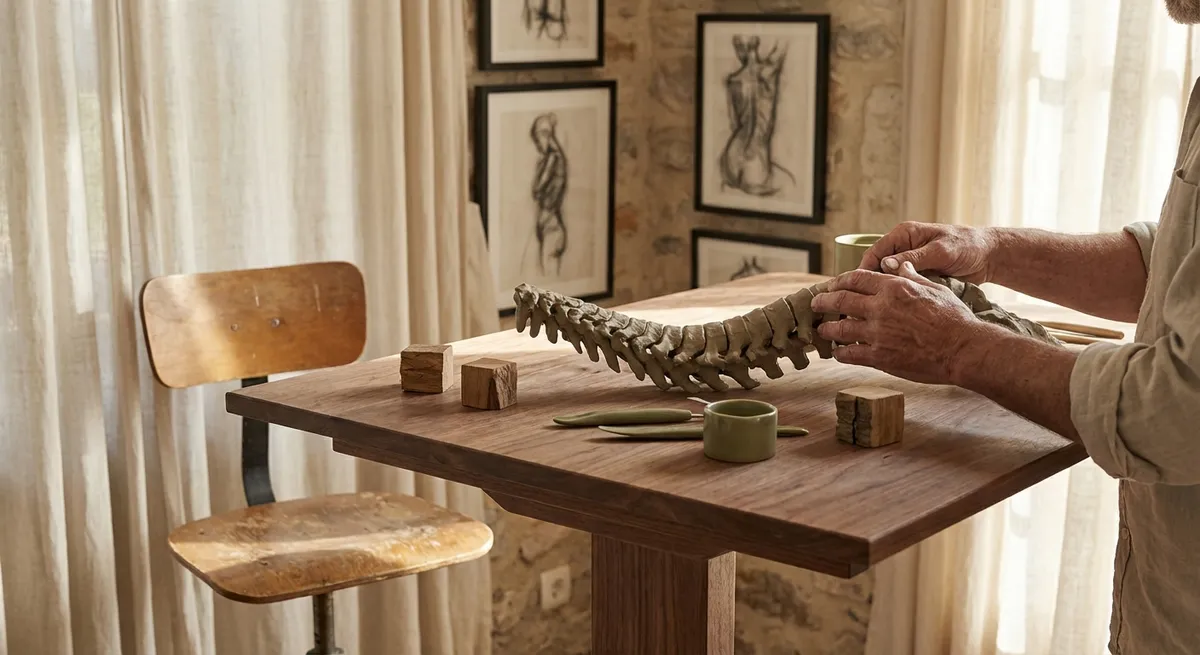
Every surface you touch, every chair you choose, and every device you reach for is quietly shaping the future of your spine. Ergonomics is not simply about a “good chair” or a standing desk; it is the artful calibration of your entire environment to respect the geometry of your back. When approached with intention, ergonomic design becomes a daily craft—subtle, intelligent, and deeply protective.
This guide explores refined, evidence-informed ways to curate your surroundings so they serve your spine, not sabotage it. Within it are five exclusive insights that go beyond generic tips, designed for people who already know back pain is not a minor inconvenience, but a lifestyle-defining factor.
The Spine as a Design Anchor, Not an Afterthought
Most environments are designed around tasks—typing, cooking, reading, driving—while the body is forced to adapt. A more sophisticated approach inverts this: you design around the spine first, then let the tasks conform.
Begin by considering neutral alignment as your “anchor point.” A neutral spine preserves its natural curves: slight inward curve in the neck and lower back, gentle outward curve in the upper back. Instead of asking, “Is this chair comfortable?” ask, “Does this setting allow my spine to remain neutral without constant muscular effort?”
This perspective leads to a different way of choosing furniture and arranging spaces. Your primary chair should allow your hips to sit slightly higher than your knees, your feet flat, and your lower back supported so you are not collapsing into a rounded posture. The desk height should allow your forearms to rest parallel to the floor, shoulders relaxed, and screens positioned so your gaze falls naturally ahead—not down.
By anchoring every ergonomic decision around spinal neutrality, you reduce the constant, low-grade strain that accumulates over hours, days, and years. For people with existing back issues, this reframing is often the first step away from managing pain reactively and toward designing an environment that actively prevents it.
Exclusive Insight 1: The Micro-Posture Portfolio
Most advice focuses on “the right posture,” as though there were a single ideal position to be held all day. The spine, however, thrives on variation, not rigidity. Think less about having one perfect posture and more about curating a micro-posture portfolio—a range of compatible, neutral-adjacent positions you cycle through deliberately.
This might include:
- A fully supported, upright sitting posture for high-focus work
- A slightly reclined position (100–110 degrees) with strong lumbar support for reading or calls
- A perched position on the edge of the chair with active core engagement for short bursts
- A standing posture with one foot slightly elevated on a footrest, alternating sides
- A brief walk or gentle stretch sequence every 30–45 minutes
Each posture respects neutrality while loading your muscles and joints slightly differently. For those with back issues, this diversification reduces the “overuse” of any single tissue structure.
Consider setting subtle cues—calendared “posture shifts,” a timer on your watch, or pairing posture changes with routine tasks like calls or email checks. Over time, your day becomes a carefully composed sequence of micro-adjustments, each one a small investment in spinal resilience.
Exclusive Insight 2: The Lumbar Signature of Every Seat
Every seat you use leaves a “lumbar signature”—a particular way it treats the gentle inward curve of your lower back. People with back pain often attend closely to their main desk chair but overlook the dozens of other surfaces that quietly erode their alignment.
Audit your daily seating with a simple question: “What is this doing to my lumbar curve?”
- Dining chairs: Many are slightly too low or too deep, encouraging you to tuck your pelvis and round your back. A slim lumbar cushion or folded towel placed at the beltline can transform them.
- Sofas: Deep, plush sofas often roll the pelvis backward. Counteract this with a firm pillow at your low back and, if needed, a small footstool to keep knees at or just below hip height.
- Car seats: Long commutes are notorious for aggravating back issues. Adjust the seat so your hips are level with or slightly higher than your knees, bring the seat closer to reduce reaching, and refine the lumbar support until you feel gently held, not forced into an exaggerated arch.
- Occasional seating (cafés, meetings, waiting rooms): Develop a discreet “spine protocol”—sitting slightly forward on the seat, feet grounded, using your own core and a subtle hip hinge to maintain alignment when outside supports are poor.
Once you begin to notice lumbar signatures, you stop accepting discomfort as inevitable. You start carrying small, refined interventions with you—a travel lumbar roll, a compact seat cushion, or even the knowledge of how to position your pelvis so that neutral alignment becomes your default, not your exception.
Exclusive Insight 3: The Reach Radius and the Politics of Effort
Back strain is rarely about a single dramatic movement; it is often the accumulation of small, repeated reaches that slowly overload the spine. The ergonomically aware person does not simply sit correctly; they also engineer their “reach radius” to avoid constant micro-strain.
Imagine a smooth arc extending from your shoulders and elbows—this is your primary reach zone. It should contain the items you use most frequently: keyboard, mouse, trackpad, frequently referenced documents, and primary writing tools. Beyond that lies a secondary zone for less frequently used items that you can reach without twisting or leaning significantly.
For people with back issues, the politics of effort truly matter:
- Keep the heaviest items (books, reference binders, equipment) between hip and chest height to avoid bending and twisting while lifting.
- Place printers, shredders, or secondary devices where you can approach them square-on, rather than twisting from your chair.
- In the kitchen, store everyday cookware and dishes where you can access them without repeated stooping or overhead reaching.
At your desk, your mouse and keyboard should allow your elbows to rest near your sides, not reaching forward out of their neutral comfort zone. Even subtle reaching, if repeated thousands of times per week, can inflame sensitized tissues. Designing a generous, spine-respecting reach radius is particularly powerful for those who already live with pain; it removes countless tiny insults from your day.
Exclusive Insight 4: Light, Glare, and the Posture of Your Eyes
Back care conversations often overlook the eyes, yet your visual environment dictates how your neck and upper back behave. Poor lighting and glare quietly force you to protrude your head, crane your neck, or lean toward screens—each millimeter of forward head position amplifying strain on the cervical and thoracic spine.
A refined ergonomic setup respects the “posture of your eyes” as much as your spine:
- Screen height: The top of your main monitor should sit at or slightly below eye level, allowing your gaze to fall naturally about 15–20 degrees downward. This discourages neck flexion and chin jutted forward.
- Viewing distance: Position screens roughly an arm’s length away; too close and you lean back, too far and you lean in.
- Lighting: Use layered lighting—ambient light to illuminate the room, task lighting for focused work, and minimized glare from windows or overhead sources. Avoid positioning screens directly in front of a bright window or under harsh, unfiltered overhead lights.
- Font and contrast: Slightly increasing text size and contrast can reduce your impulse to lean closer or squint, both of which tend to pull the head forward.
For those dealing with chronic neck and upper back discomfort, optimizing the visual environment can be transformative. You are not simply correcting posture; you are aligning visual effort with spinal neutrality, allowing your neck and upper back to rest instead of constantly compensating.
Exclusive Insight 5: The Evening Reset: Ergonomics Beyond the Desk
Ergonomics does not conclude when you close your laptop. The way you decompress at the end of the day can either soothe an already-irritated spine or quietly amplify your discomfort.
Consider cultivating a gentle “evening reset” ritual that respects your back:
- Transition movements: Before collapsing onto the sofa, spend three to five minutes walking slowly, performing gentle hip and spine mobility exercises, or lying on your back with knees bent and feet flat to allow your spine to settle.
- Screen lounging: If you watch television or use a tablet in the evening, avoid twisted or slumped postures. Support your lower back, keep screens at eye level or slightly below, and use armrests or pillows so your shoulders are not perpetually elevated.
- Bed ergonomics: For side sleepers, a pillow between the knees can help keep the spine aligned. For back sleepers, a small pillow under the knees can reduce lower back tension. Evaluate your mattress and pillow as part of your ergonomic ecosystem, not as isolated purchases.
- Micro-decompression: Practices such as lying on the floor with your calves supported on a chair, or using a firm, rolled towel at the mid-back to gently open the chest and counteract day-long flexion, can offer subtle but meaningful relief.
This evening reset is especially significant for those with persistent back issues. Your spine has carried you all day; the least you can offer is a carefully considered environment in which to recover. It is the quiet, consistent rituals—rather than dramatic interventions—that often make the deepest difference over time.
Conclusion
Elevated ergonomics is not about filling your life with specialized products; it is about upgrading the intelligence with which you arrange and inhabit your spaces. When you see your spine as the central design principle rather than an afterthought, your chair, desk, lighting, storage, and even your evening rituals begin to shift in subtle but meaningful ways.
For those living with back issues, these refinements are not luxuries. They are the quiet architecture of a more comfortable, more capable life. The five insights—curating a micro-posture portfolio, reading the lumbar signature of every seat, engineering a protective reach radius, aligning eye posture with spinal health, and honoring an evening reset—form a sophisticated, daily practice of back care.
In the end, ergonomics is not a one-time setup; it is an ongoing craft. With each deliberate adjustment, you are not merely arranging a room—you are safeguarding the spine that must carry you through every moment of your day.
Sources
- National Institutes of Health – Low Back Pain Fact Sheet – Overview of causes, risk factors, and management strategies for low back pain
- U.S. Occupational Safety and Health Administration (OSHA) – Computer Workstations eTool – Detailed guidance on workstation setup and ergonomic principles
- Mayo Clinic – Office Ergonomics: Your How-To Guide – Practical recommendations for adjusting desks, chairs, and equipment
- Harvard Health Publishing – The Right Way to Sit at Your Desk – Evidence-informed advice on posture and workstation alignment
- Cleveland Clinic – Ergonomics and Musculoskeletal Health – Discussion of ergonomic changes to reduce musculoskeletal strain in office environments
Key Takeaway
The most important thing to remember from this article is that this information can change how you think about Ergonomics.



